- Cloud Email
How to Optimise Microsoft 365 for Remote Workers
6 Dec, 2025
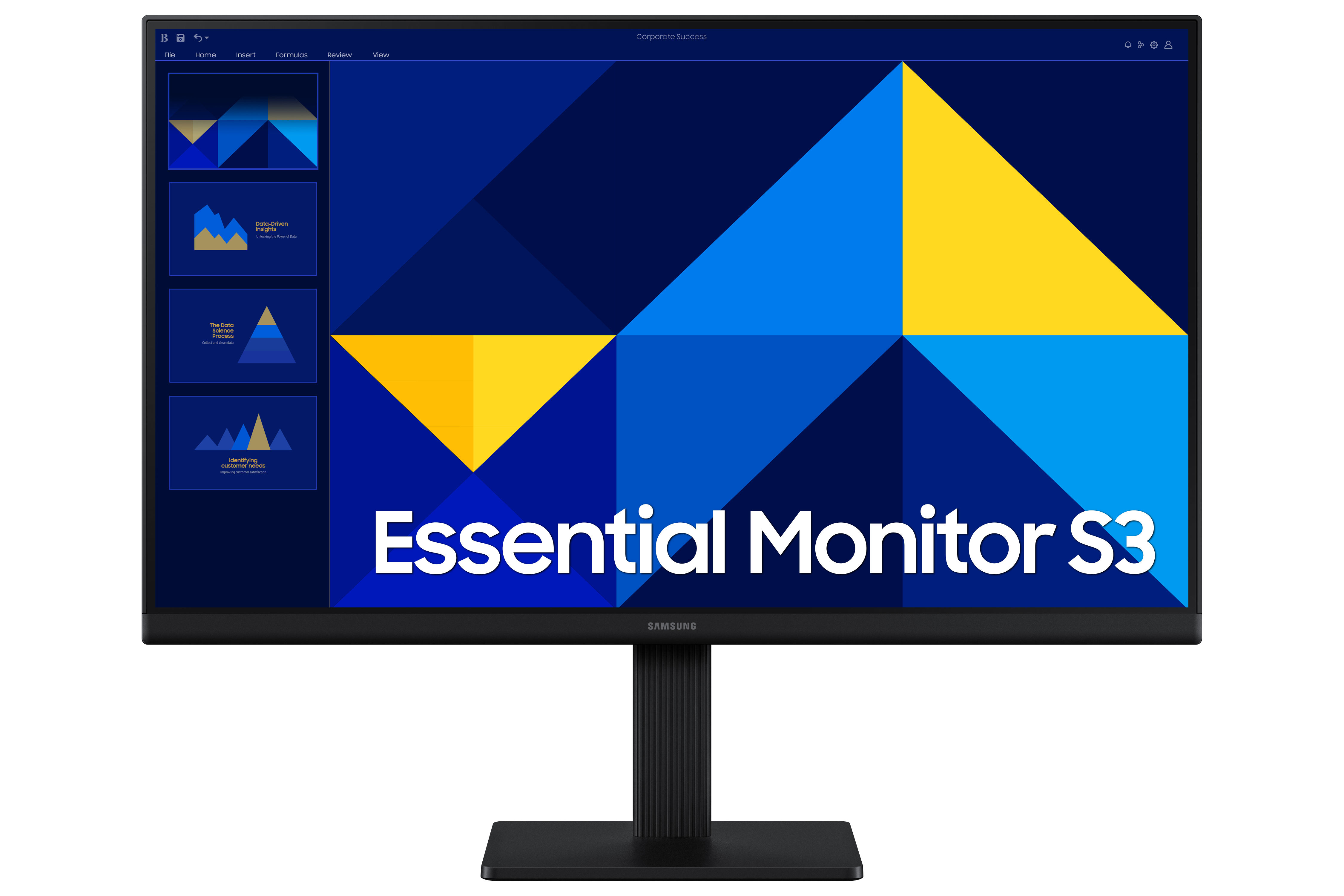
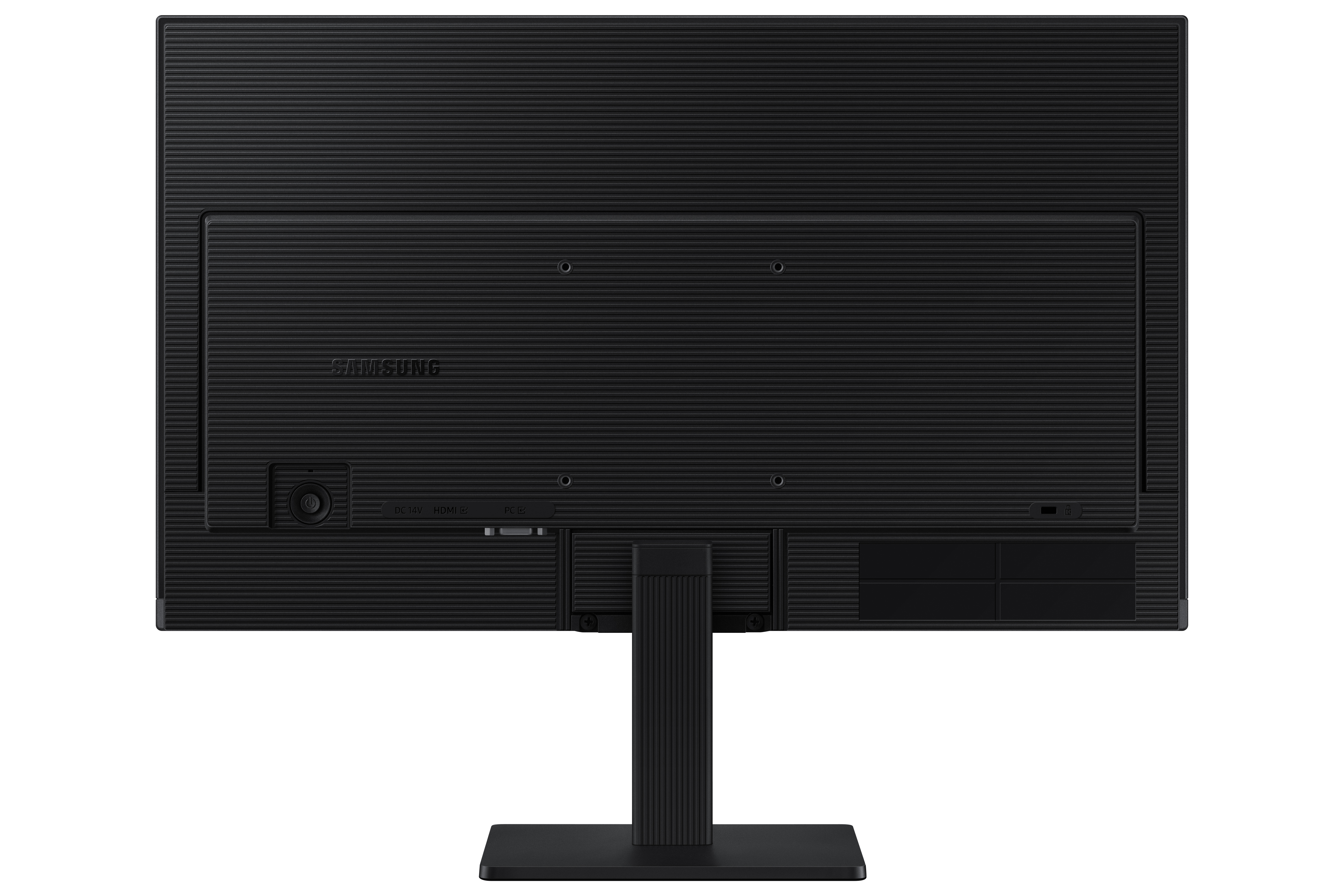
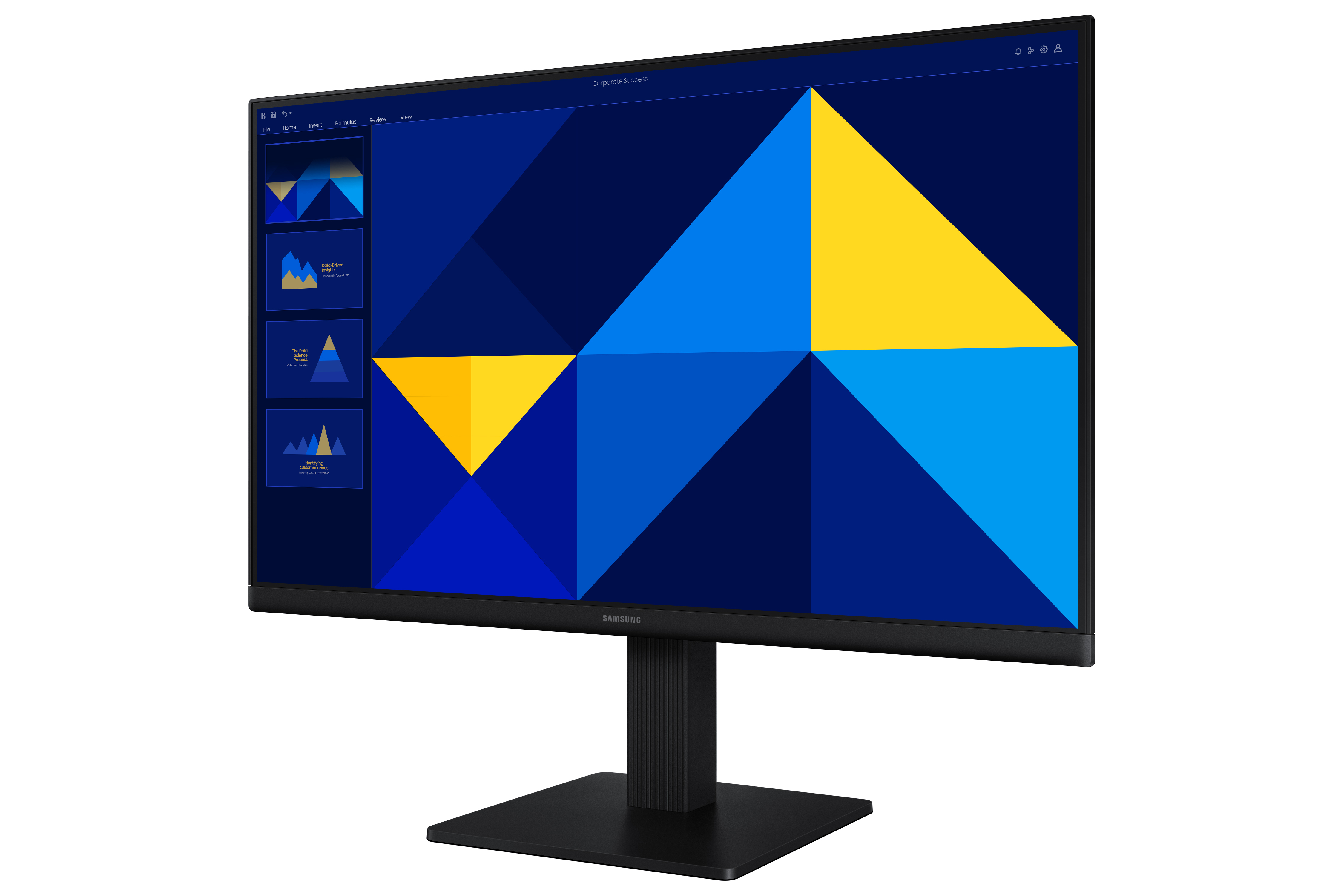
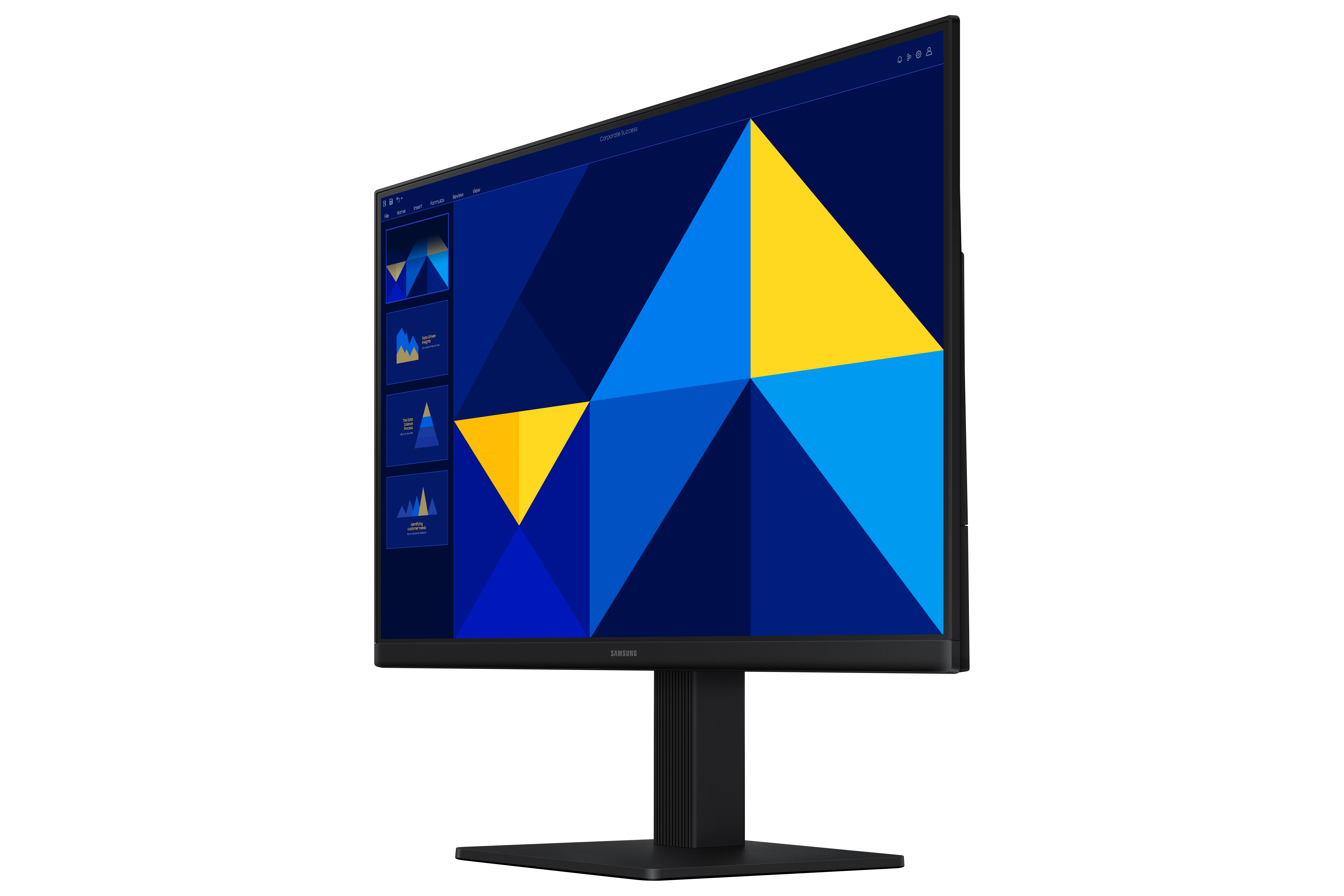
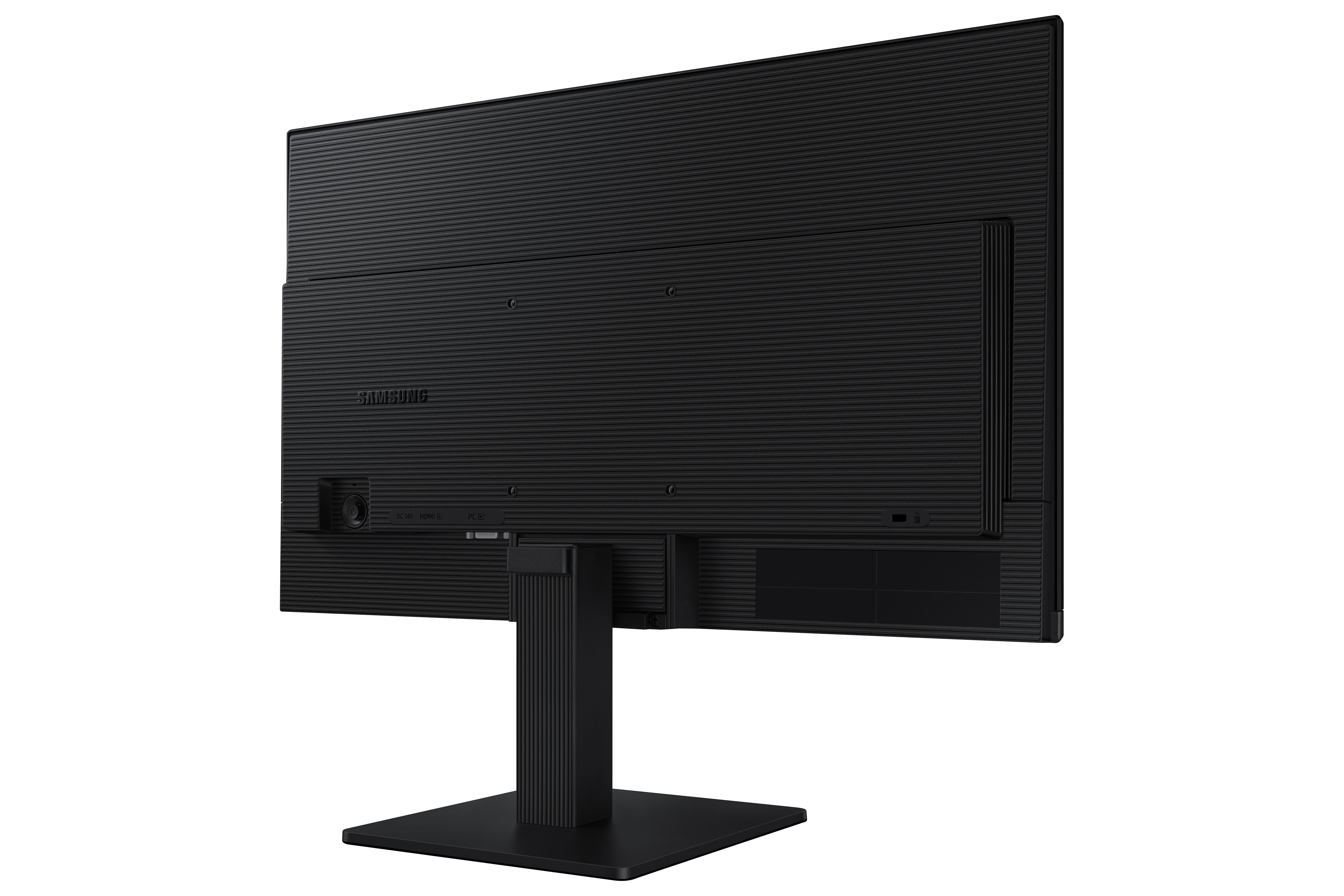
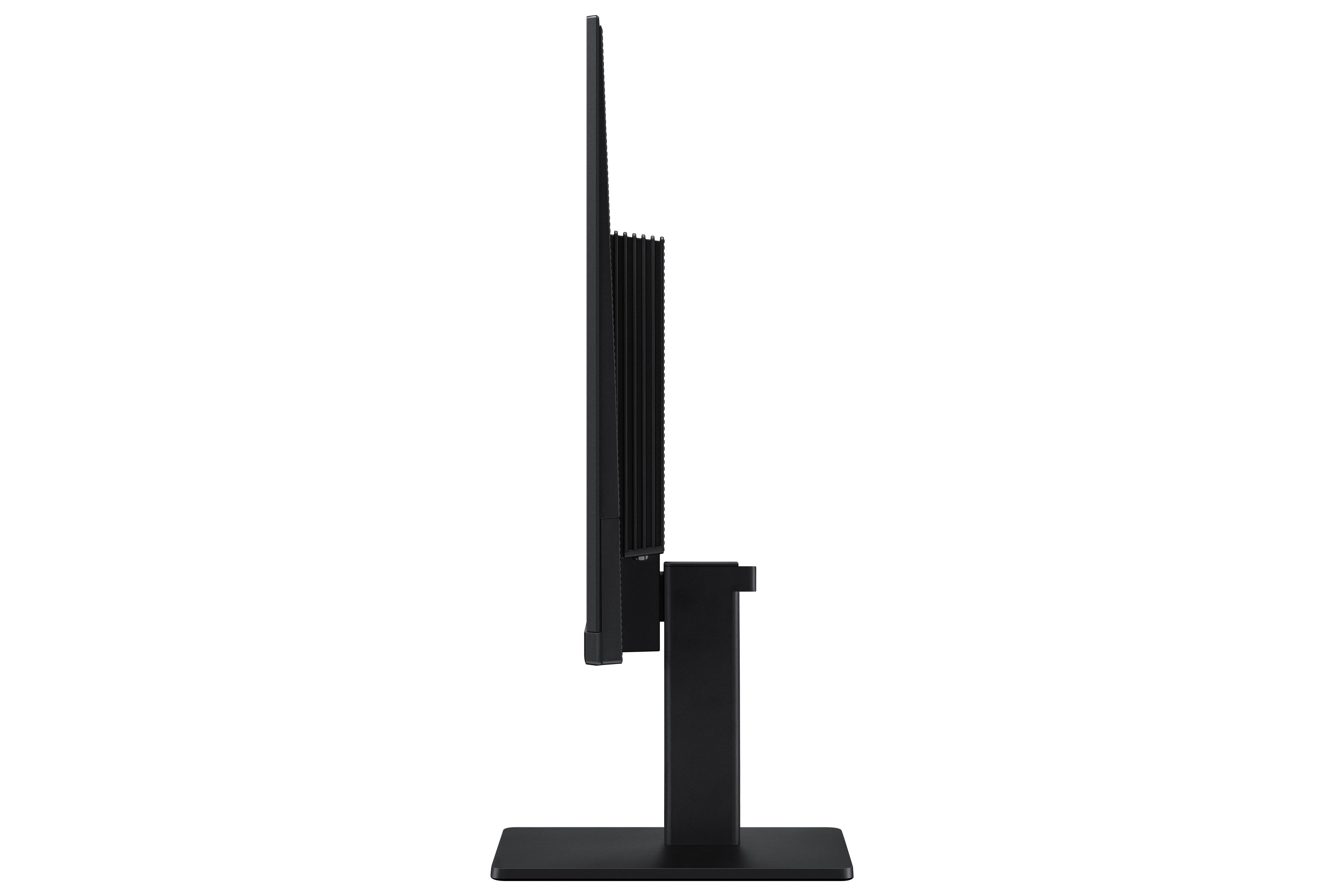
£112.63 inc. VAT
AI-generated summary
For £93.67 ex-VAT, this Samsung 27-inch Full HD monitor is the classic “get the extra screen space without spending much” buy. It’s best suited to straightforward office work: spreadsheets, email, web apps, basic admin dashboards, and teams that want a cheap second (or first) monitor for multiple users. The downside is also straightforward: at 27 inches, Full HD is starting to feel a bit low resolution. If you sit close to the screen or you’re doing anything text-heavy (coding, finance documents, lots of reading), you’ll notice the fuzziness compared with higher-resolution options—especially if you’re used to sharper displays.
I’d recommend it if budget is the priority and you want a bigger desktop footprint for day-to-day business tasks. I wouldn’t recommend it for design teams, data-heavy work, or anyone who cares about crispness and productivity comfort throughout the day—because you’ll be paying less, but you’ll also be accepting a slightly “older-school” sharpness level. If you’re shopping in this price band, it’s worth checking whether you can stretch to a monitor that’s sharper at this size; otherwise, it’s a perfectly functional budget office panel.
ViewSonic
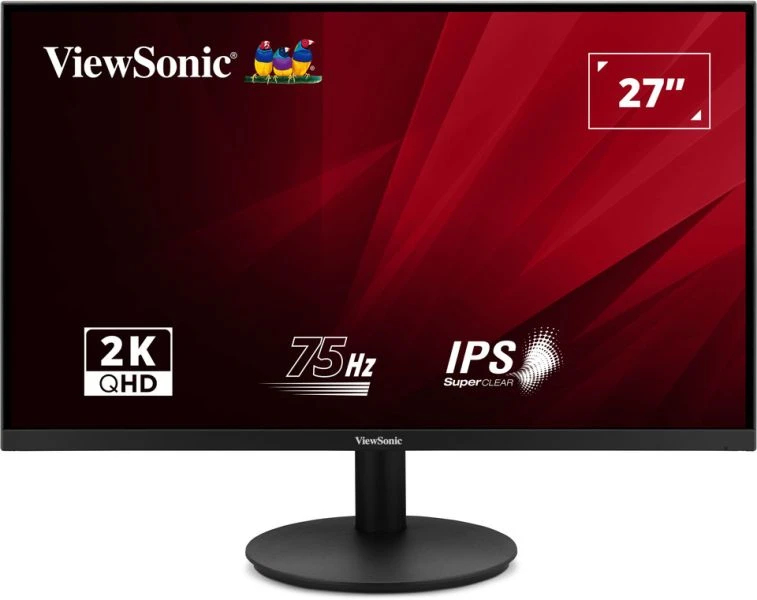
ViewSonic VA2708-2K-HD-2 - LED monitor - 27" - 2560 x 1440 QHD @ 75 Hz - IPS - 300 cd/m� - 1000:1 - HDR10 - 4 ms - 2xHDMI, DisplayPort
ViewSonic
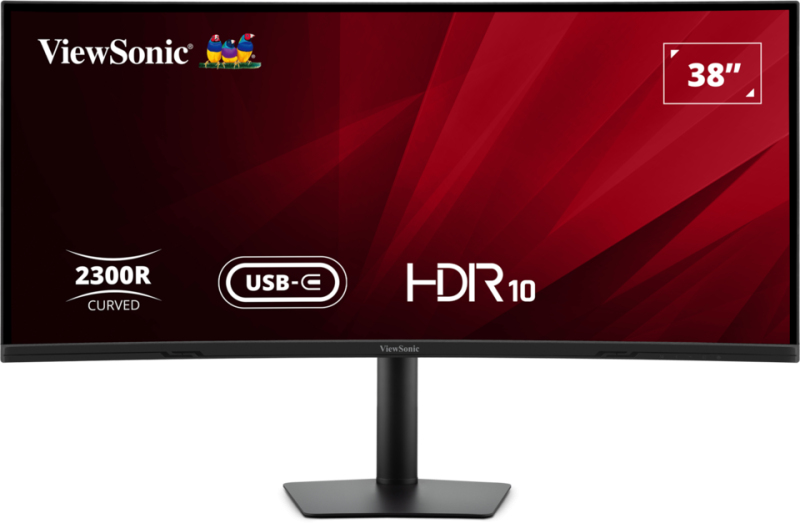
ViewSonic VA3820C - LED monitor - curved - 38" (37.5" viewable) - 3840 x 1600 UWQHD+ @ 75 Hz - IPS - 300 cd/m� - 2000:1 - HDR10 - 4.785 ms - HDMI, DisplayPort - speakers
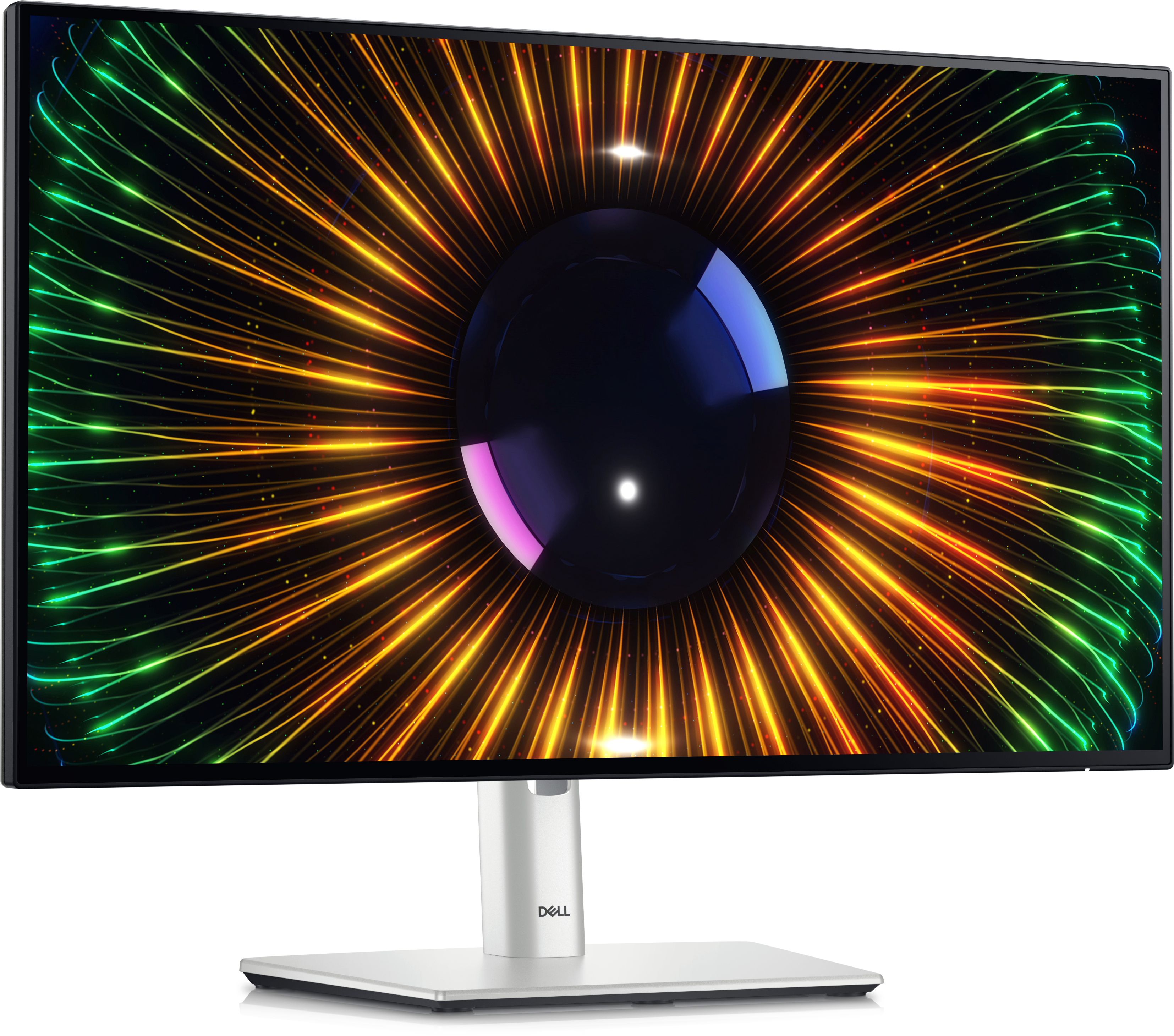
Dell
Dell UltraSharp U2424H - LED monitor - 24" (23.8" viewable) - 1920 x 1080 Full HD (1080p) @ 120 Hz - IPS - 250 cd/m� - 1000:1 - 5 ms - HDMI, DisplayPort - with 3 years Advanced Exchange Basic Warranty
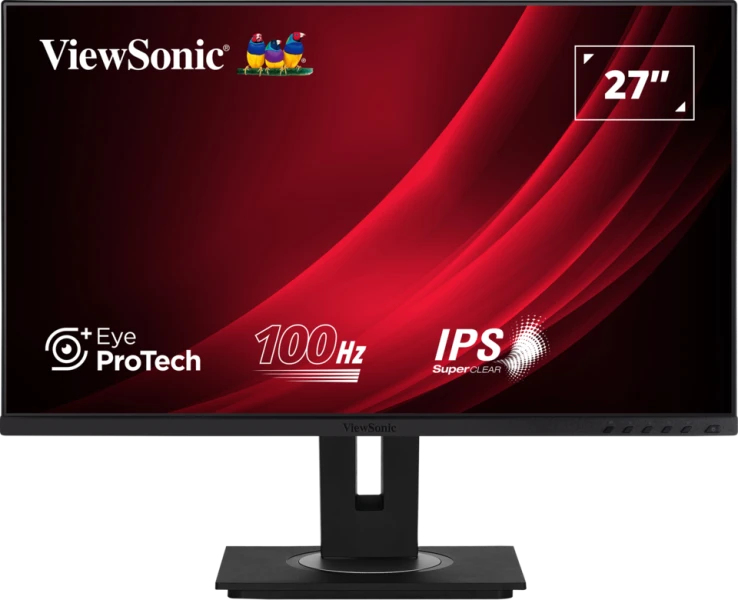
ViewSonic
ViewSonic VG2748a-2 - LED monitor - 27" - 1920 x 1080 Full HD (1080p) @ 60 Hz - IPS - 250 cd/m� - 1000:1 - 5 ms - HDMI, VGA, DisplayPort, USB