- SEO
Core Web Vitals Explained: How Site Speed Affects Rankings
6 Apr, 2026
£149.06 inc. VAT
AI-generated summary
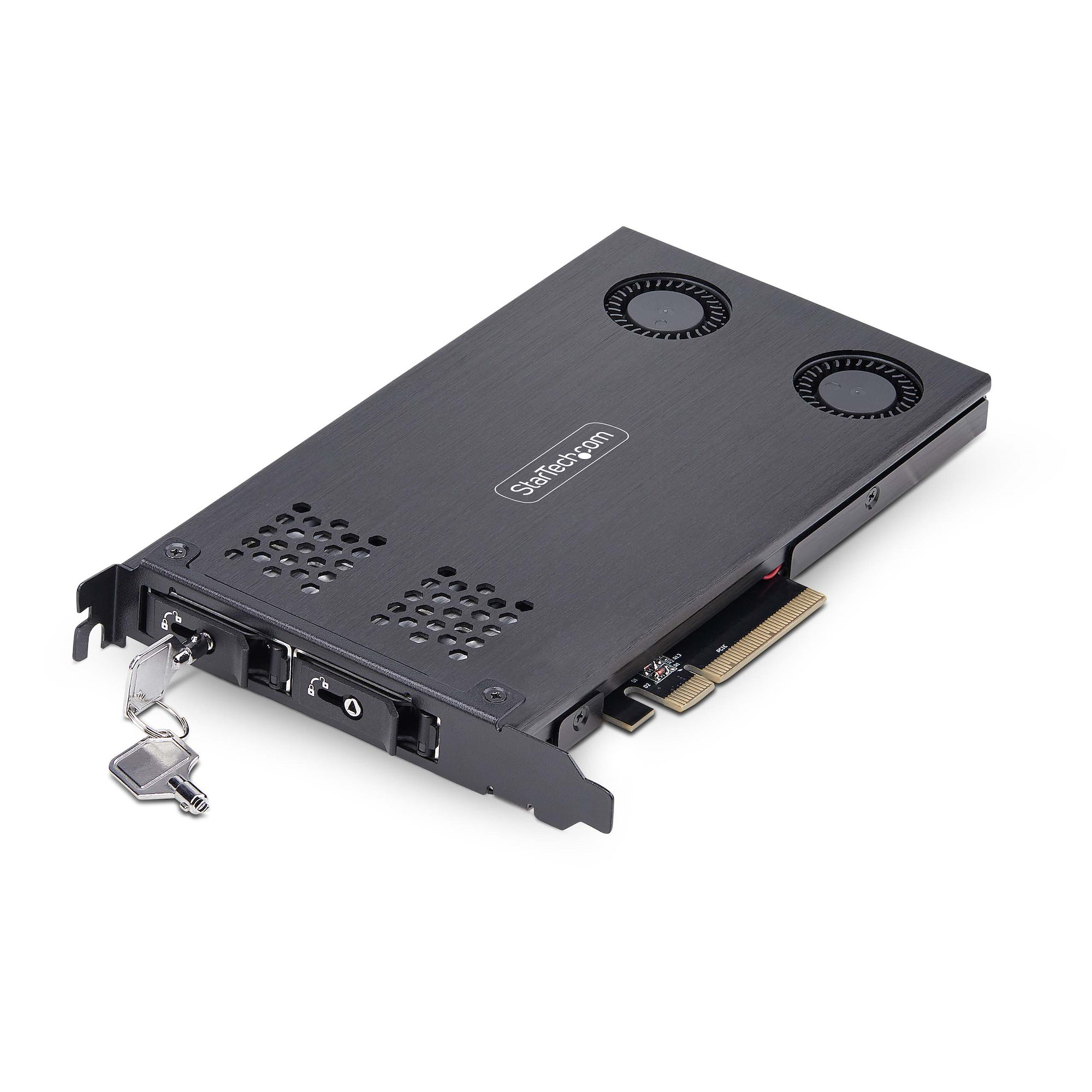
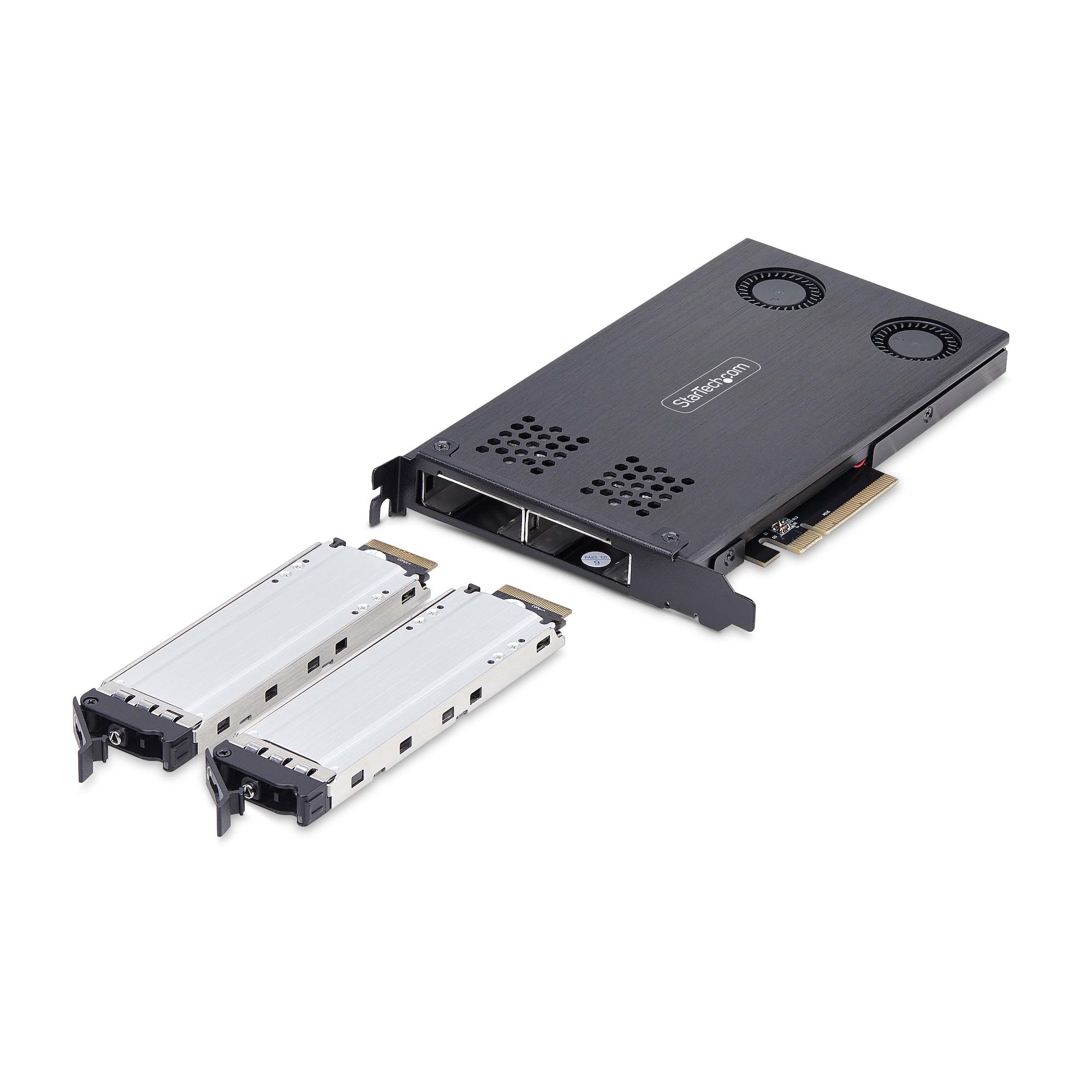
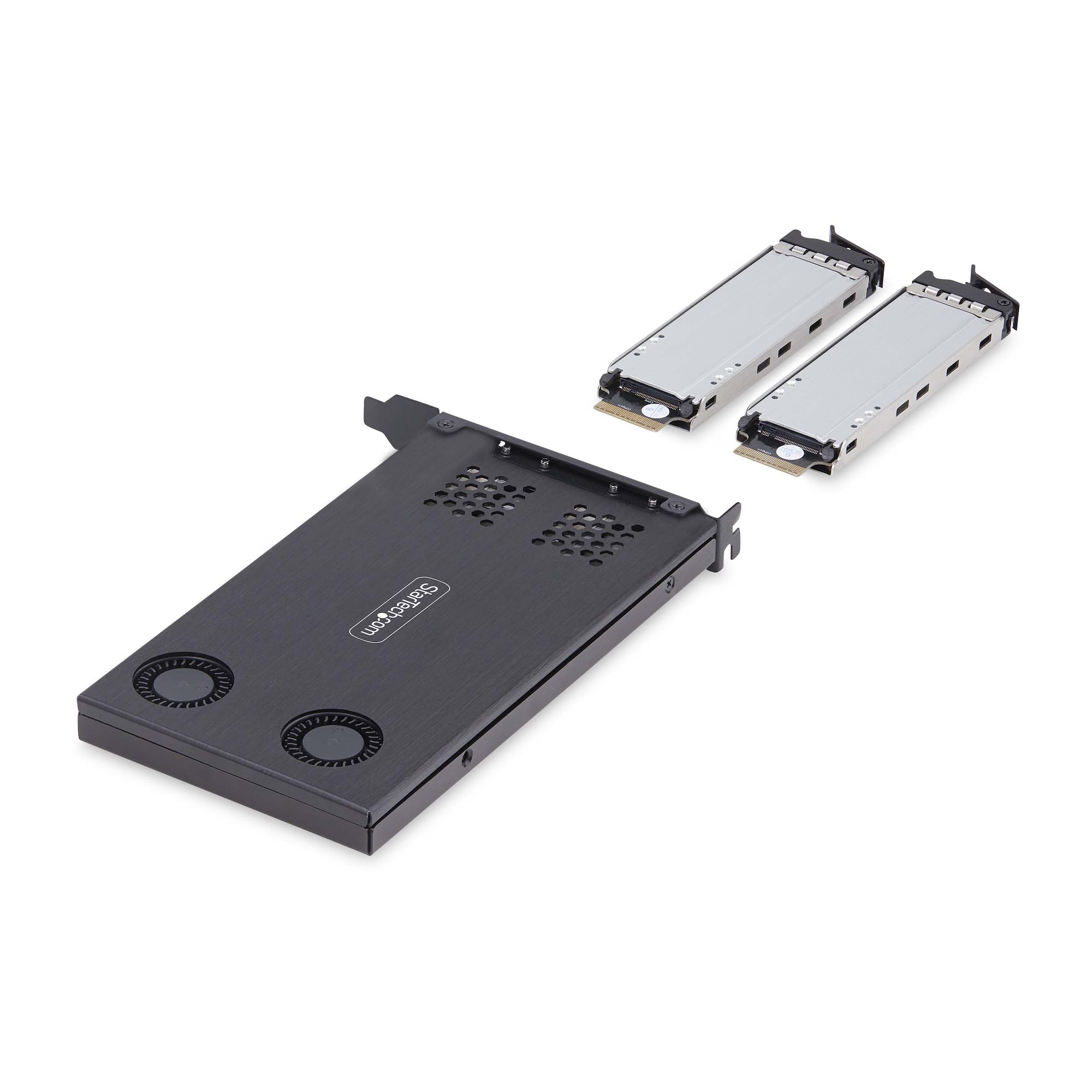
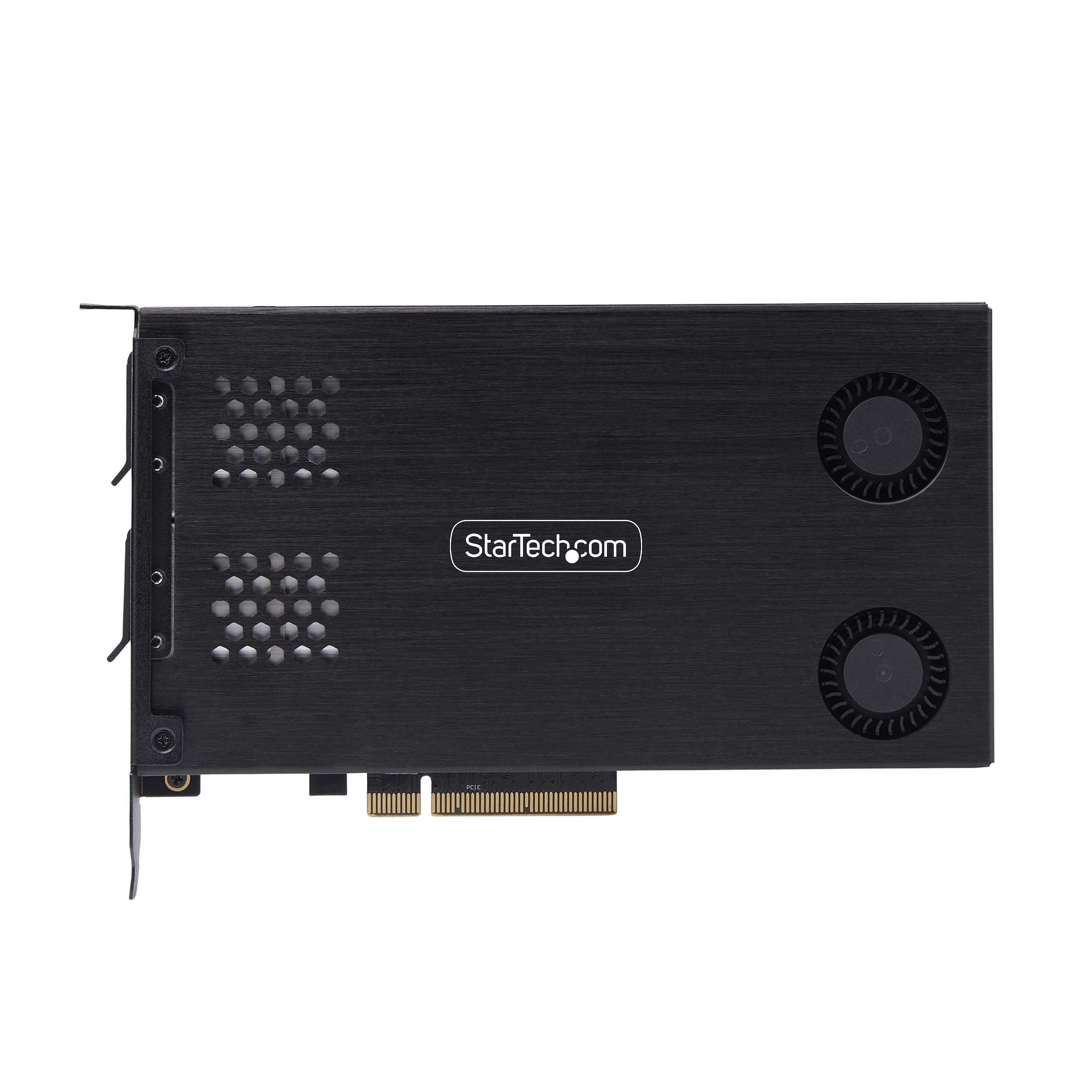
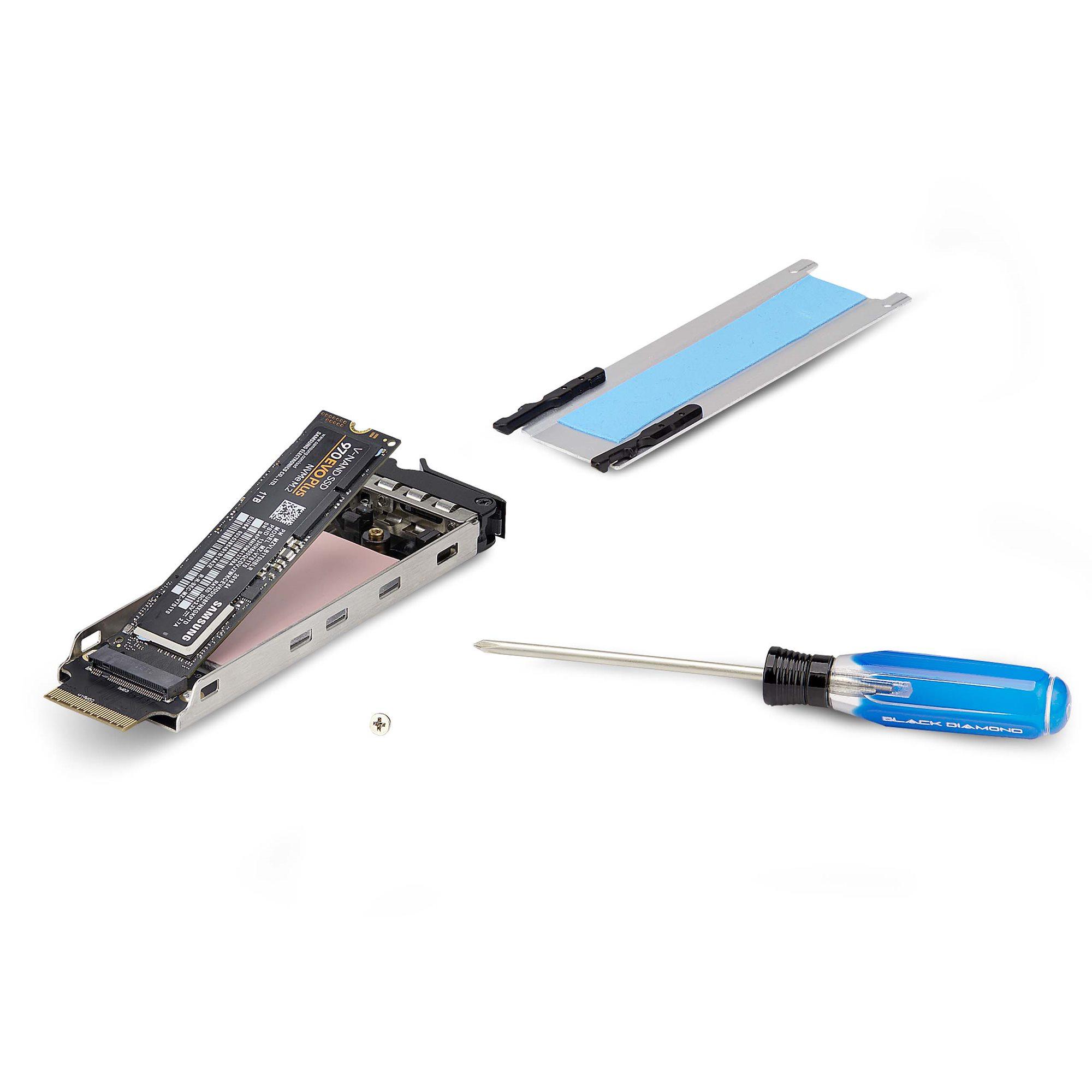
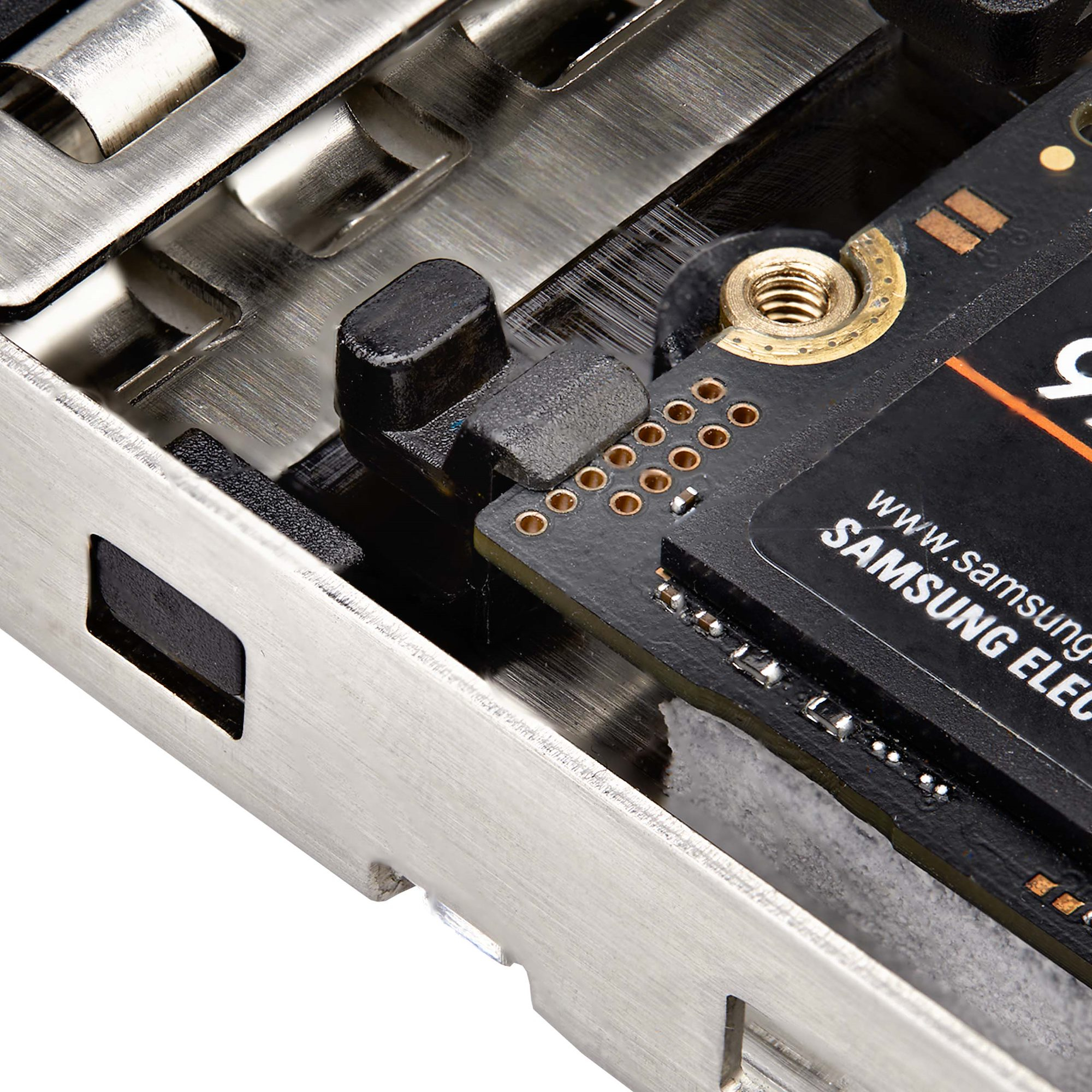
If you’re looking for a cheap way to turn “spare” M.2 NVMe drives into something closer to a plug-and-play storage expansion for a server or workstation, this StarTech dual-bay rack is a sensible buy. The value is in the convenience: removable bays and hot-swap style handling are genuinely useful when you’re swapping drives for troubleshooting, cloning, short-lived projects, or keeping uptime during maintenance. At ~£142 ex-VAT it’s not a budget disaster, either—assuming you already own compatible M.2 NVMe drives and you actually need a chassis-like solution rather than a simple adapter.
That said, you should only buy it if you’re prepared for the “bifurcation required” reality. In practice, that means your motherboard/server has to support the right lane mapping and you may need to enable specific PCIe settings in BIOS; otherwise you’ll waste time. Also, tool-less installation is nice, but it doesn’t remove the core risk: hot-swap ecosystems are only as good as the platform you’re plugging into, especially for power/slot behavior. If you just want reliable, straightforward NVMe expansion and don’t want to touch BIOS/PCIe lane configuration, I’d steer you toward a simpler, platform-specific backplane or a purpose-built storage add-in that matches your hardware.
**Who should buy:** IT pros, labs, and SMBs managing multiple NVMe drives who need fast swaps and cleaner handling (and whose platform supports the required PCIe bifurcation). **Who should skip:** anyone with an unsure/older motherboard that doesn’t clearly support bifurcation, or anyone expecting “install and forget.”
Lenovo
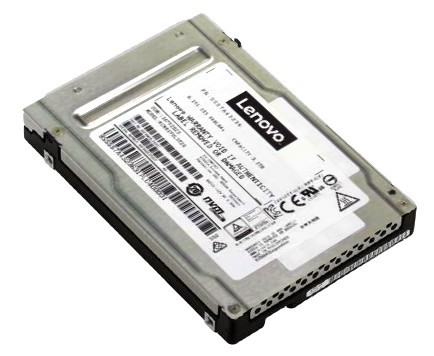
KIOXIA CM6-V Mainstream - SSD - 1.6 TB - hot-swap - 2.5" SFF - U.3 PCIe 4.0 x4 (NVMe) - for ThinkAgile MX3330-F Appliance, MX3330-H Appliance, MX3331-F Certified Node
Samsung
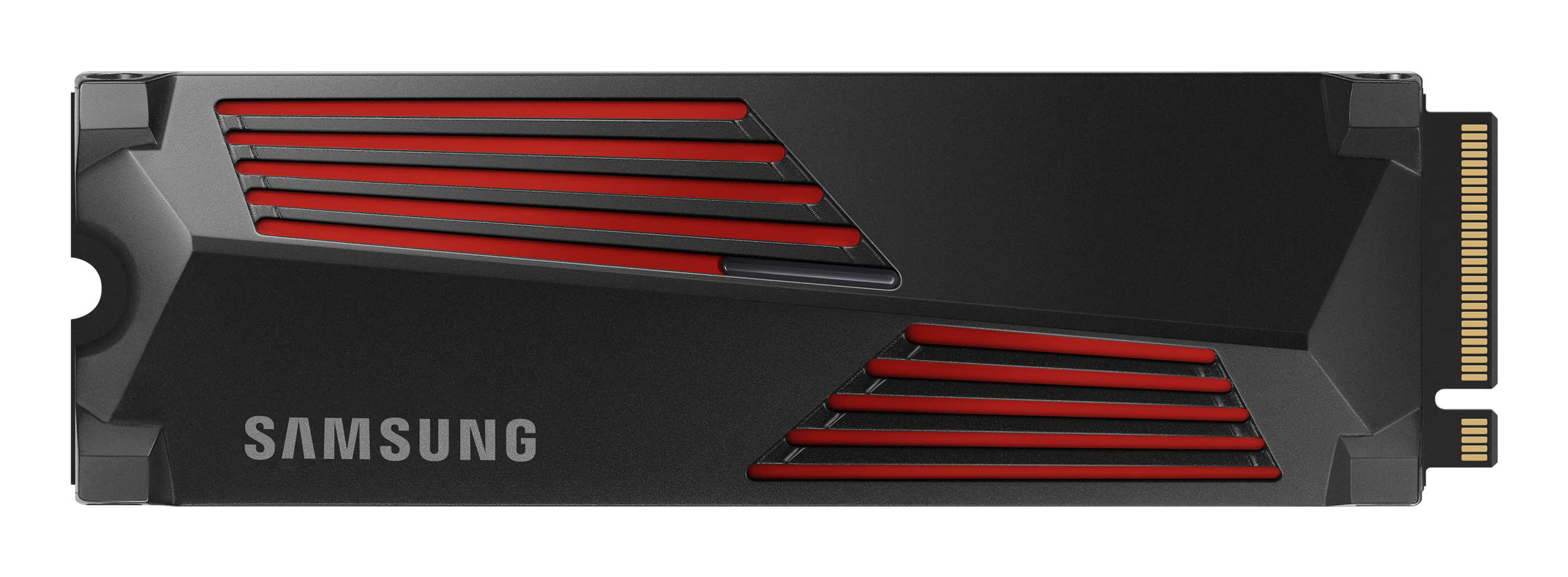
Samsung 990 PRO MZ-V9P1T0GW - SSD - encrypted - 1 TB - internal - M.2 2280 - PCIe 4.0 x4 (NVMe) - 256-bit AES - TCG Opal Encryption 2.0 - integrated heatsink
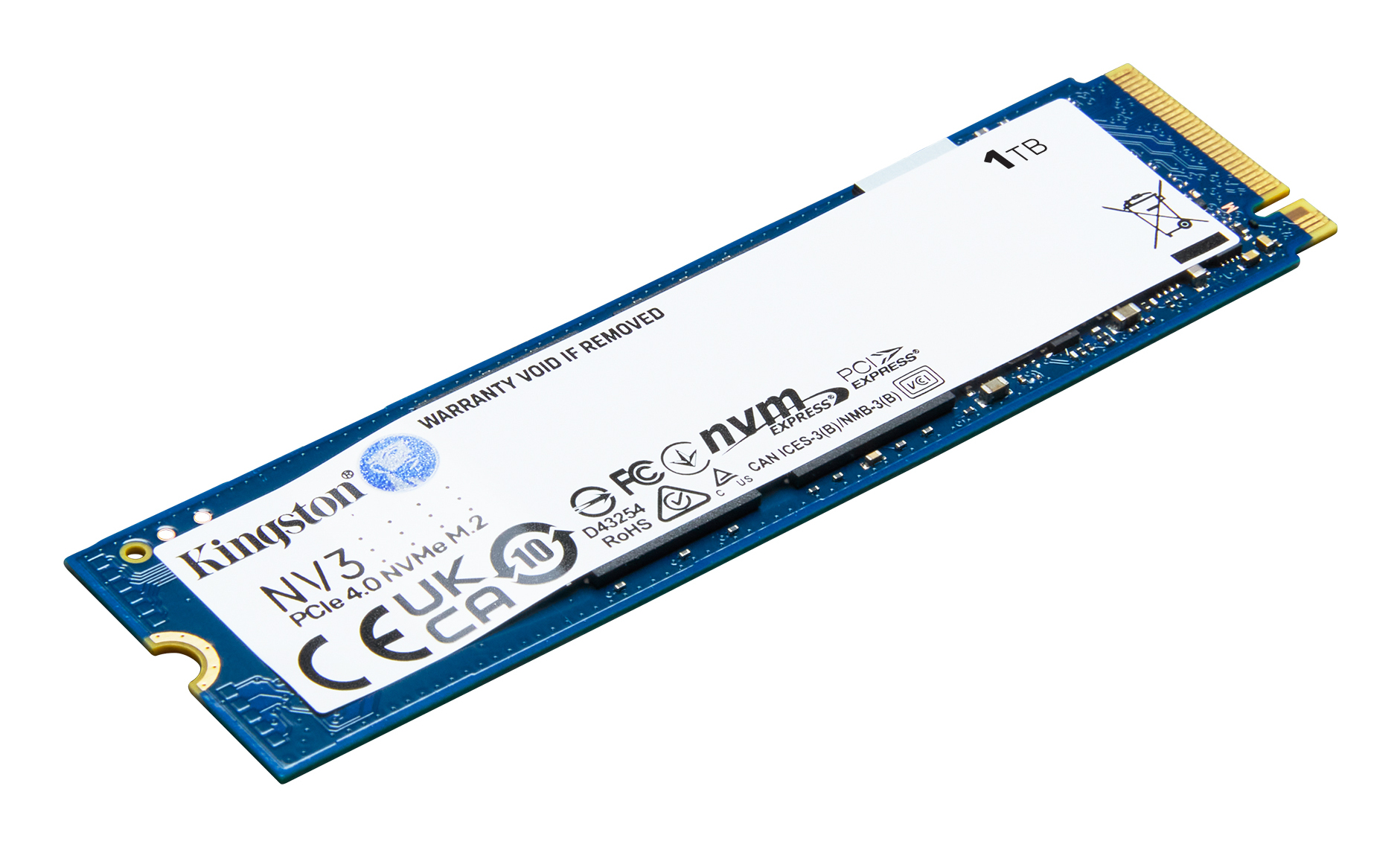
Kingston
Kingston NV3 - SSD - 1 TB - internal - M.2 2280 - PCIe 4.0 x4 (NVMe)
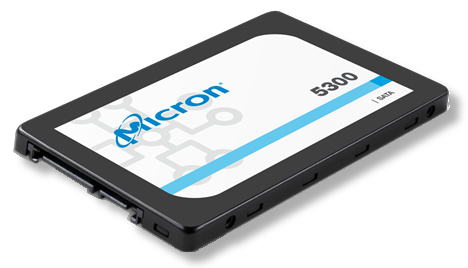
Lenovo
Lenovo ThinkSystem 5300 Entry - SSD - 240 GB - hot-swap - 2.5" - SATA 6Gb/s - for ThinkAgile VX3530-G Appliance, VX75XX Certified Node, ThinkSystem SR250 V2, ST250 V2