- Azure Cloud
How to Automate Azure Resource Management
28 Sep, 2025

£24.74 inc. VAT
AI-generated summary
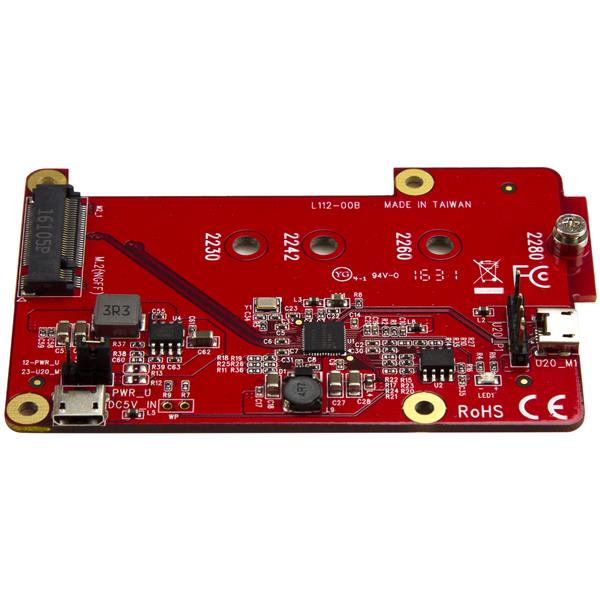
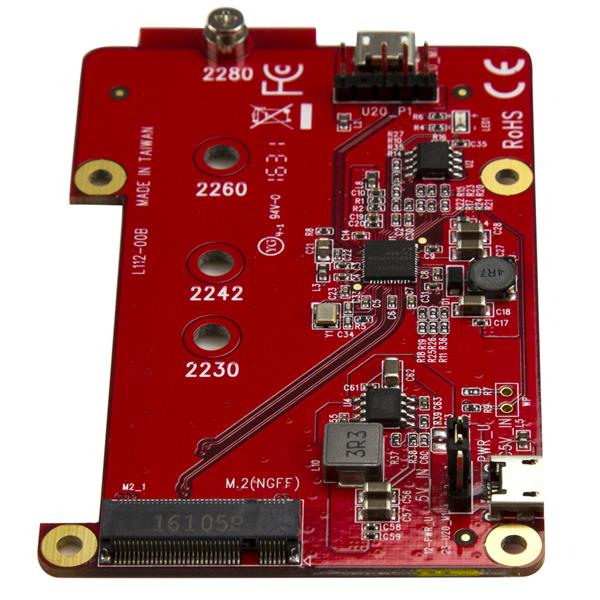
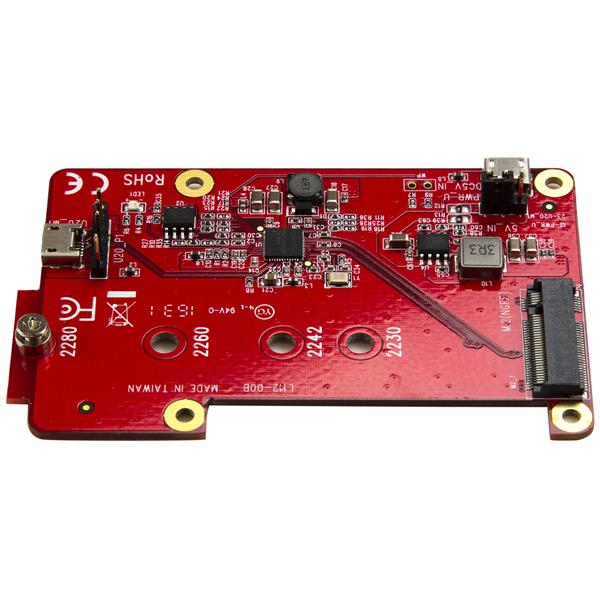
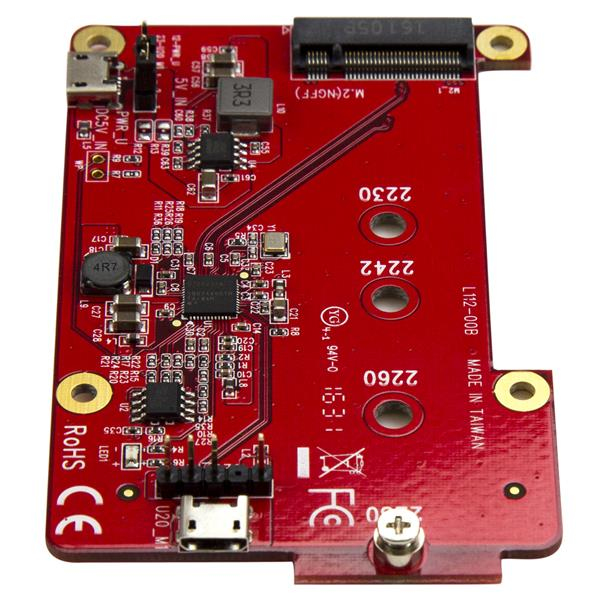
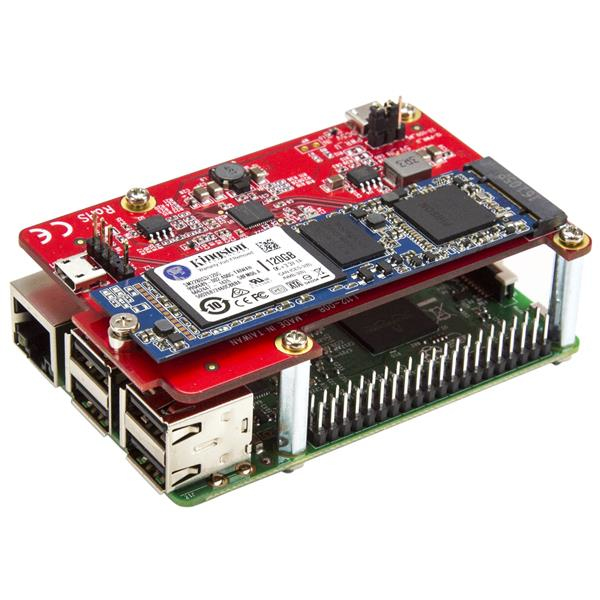
StarTech’s USB‑to‑M.2 SATA converter is one of those “boring but useful” bits of kit. For £20‑ish ex‑VAT, it’s a fair value if your goal is to turn an existing M.2 SATA drive into something you can plug into any laptop/desktop without messing around with a full enclosure. In day‑to‑day B2B dev/test work (data migration, imaging drives, quick backups, swapping OS/test images), it tends to beat buying multiple enclosures because you just keep the converter in your toolbox and use whatever spare M.2 SATA you’ve got.
The main reason you *shouldn’t* buy it is if you’re actually trying to use an NVMe (PCIe) M.2 drive—this type is SATA-only, so it won’t be the right match. Also, if you want a rugged “external SSD you can throw in a bag” experience, a proper enclosure will usually feel more robust and tidy; converters are more of a lab/bench accessory. Who should buy: engineers, MSPs, and anyone doing frequent drive troubleshooting or provisioning on Raspberry Pi and similar dev boards where SATA M.2 is the common path. If your use case is occasional, it’s a smart spend. If it’s daily field use or you need NVMe support, look elsewhere.
Samsung
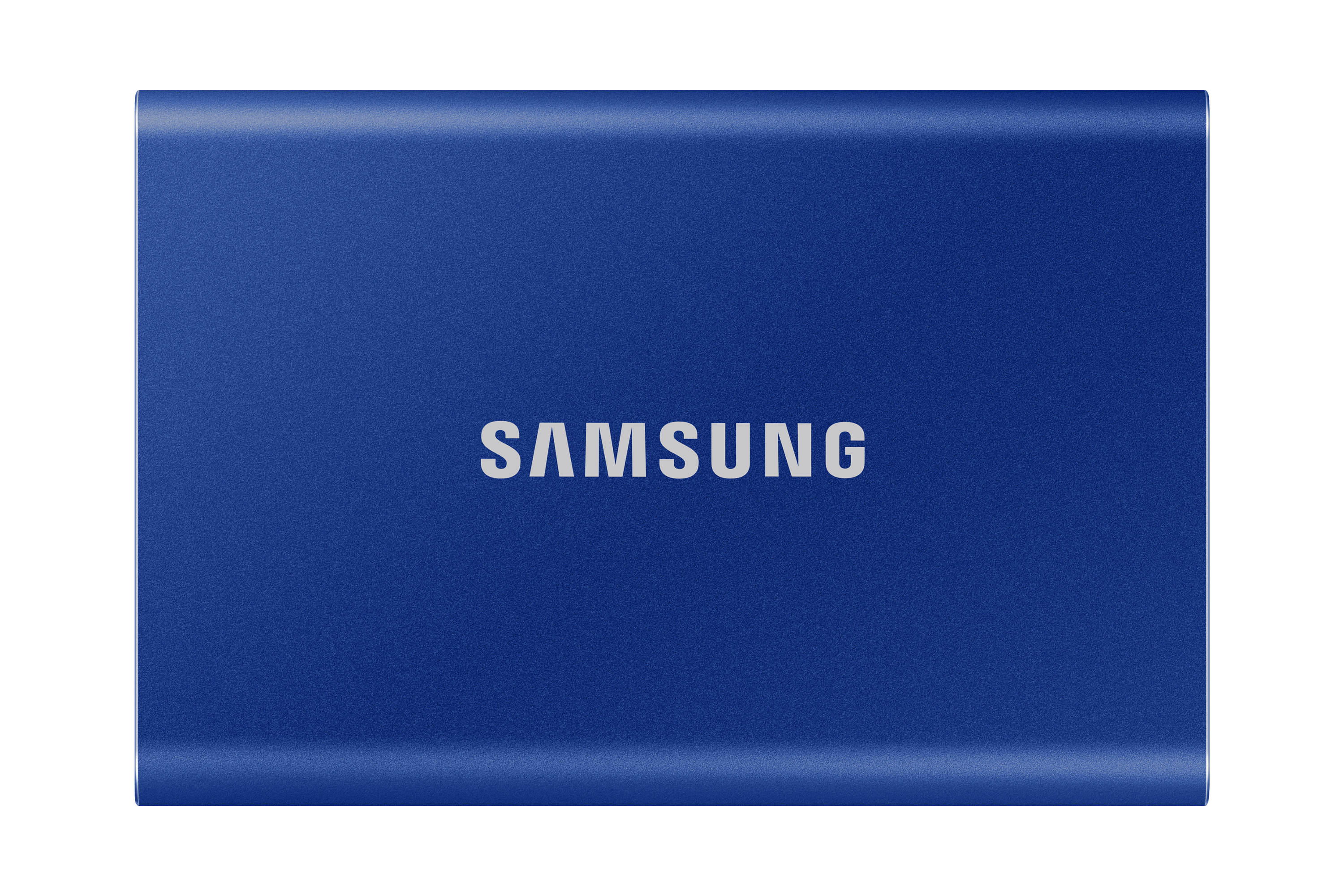
Samsung T7 MU-PC1T0H - SSD - encrypted - 1 TB - external (portable) - USB 3.2 Gen 2 (USB-C connector) - 256-bit AES - indigo blue
Kingston
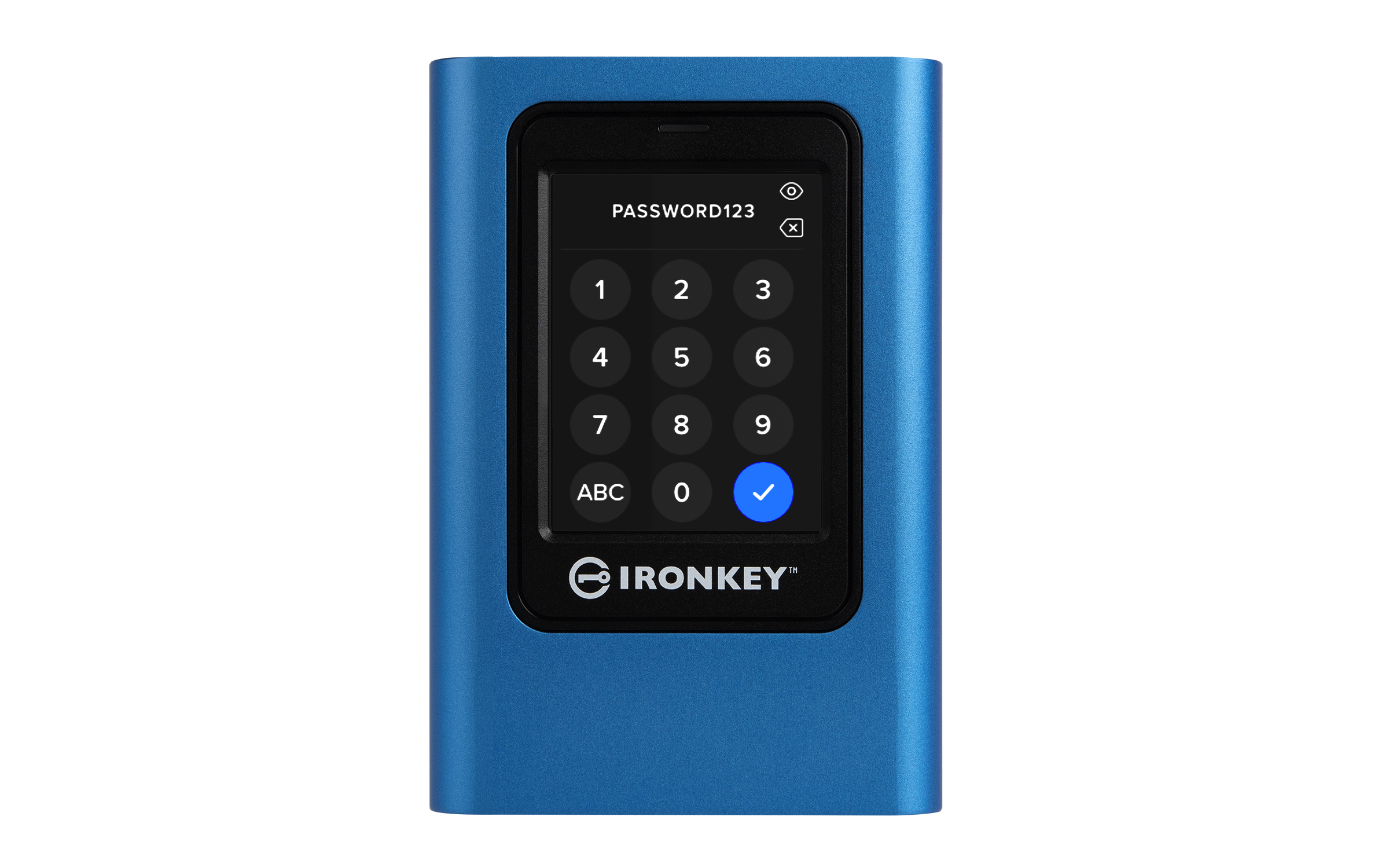
Kingston IronKey Vault Privacy 80 - SSD - encrypted - 960 GB - external (portable) - USB 3.2 Gen 1 (USB-C connector) - 256-bit AES-XTS, FIPS 197 - TAA Compliant
Samsung
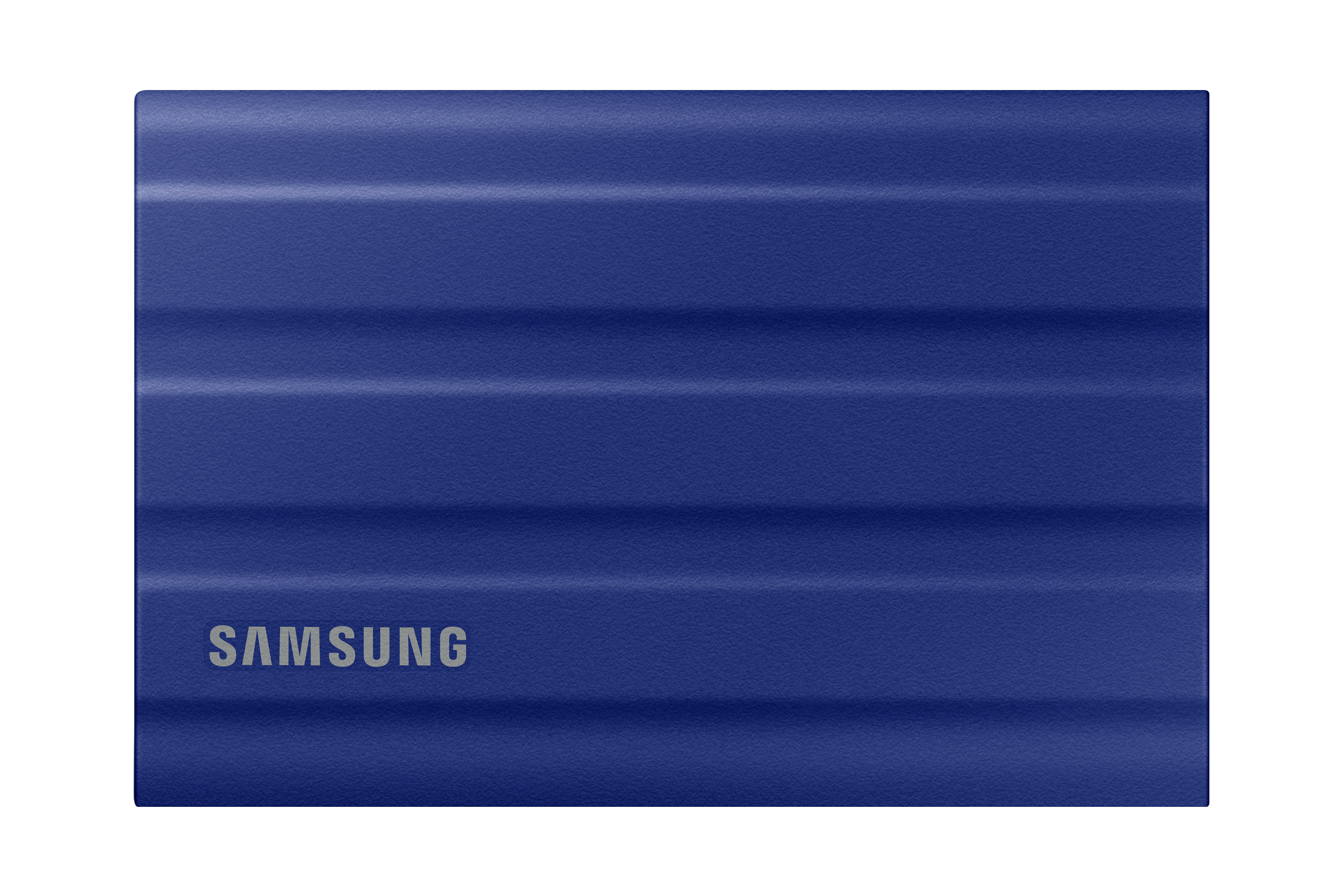
Samsung T7 Shield MU-PE1T0R - SSD - encrypted - 1 TB - external (portable) - USB 3.2 Gen 2 (USB-C connector) - 256-bit AES - blue
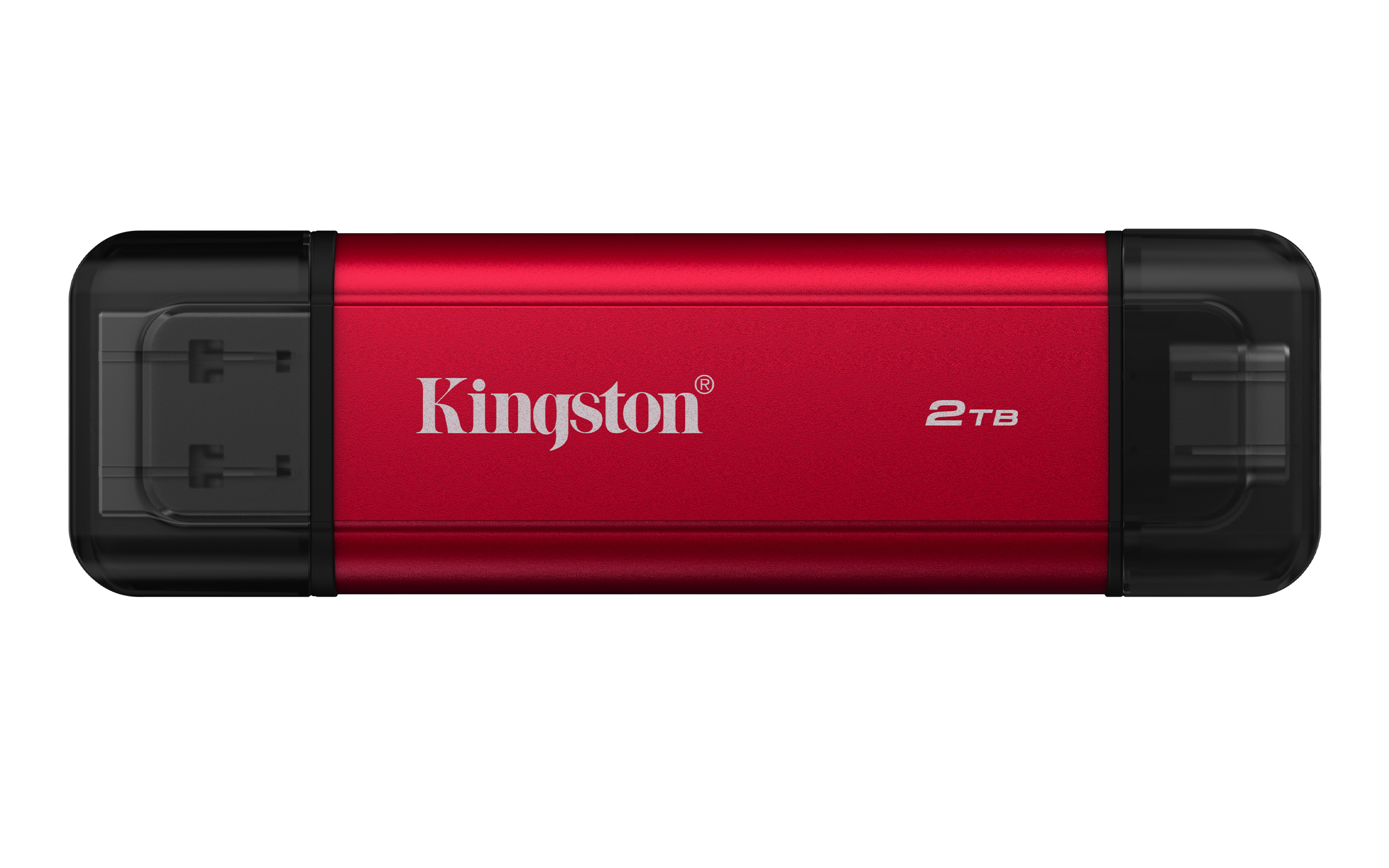
Kingston
Kingston Dual - SSD - 2 TB - external (portable) - USB 3.2 Gen 2