- IT Office Moves
How to Move Your CCTV System to a New Office
22 Jan, 2026
£106.82 inc. VAT
AI-generated summary
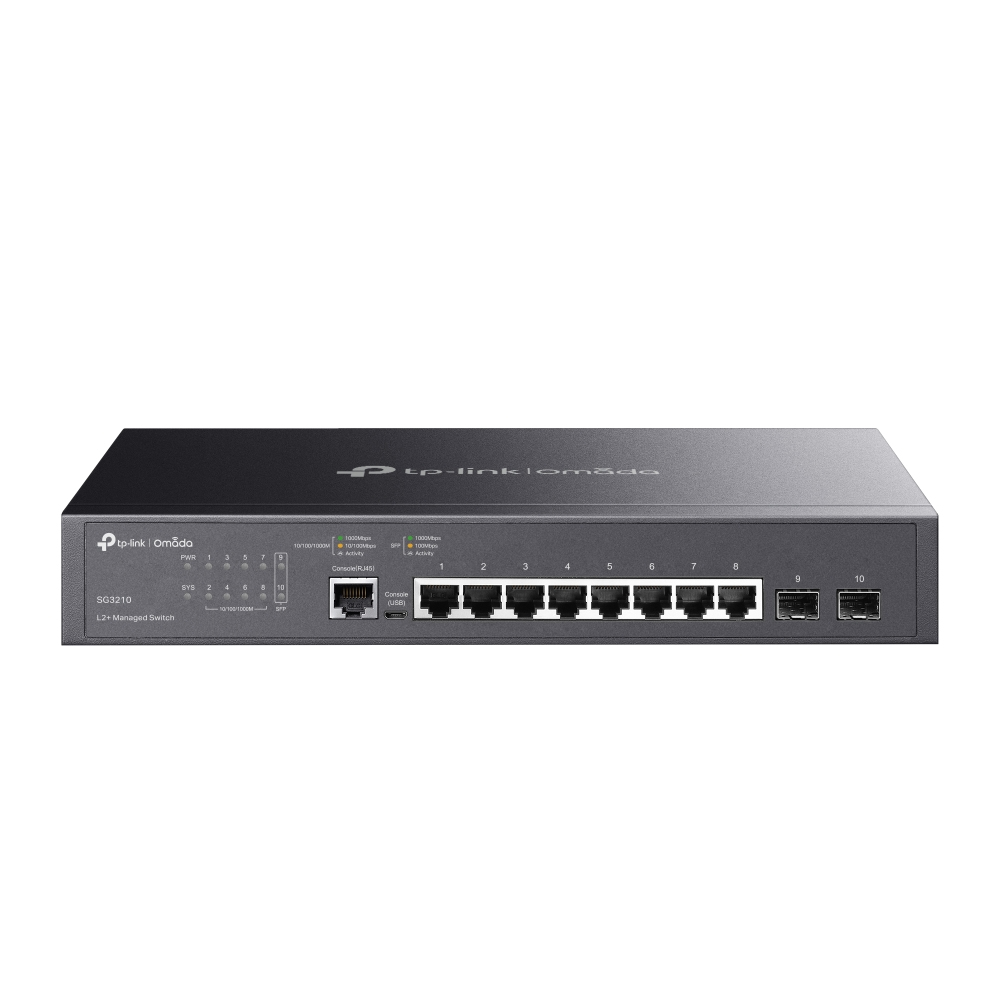
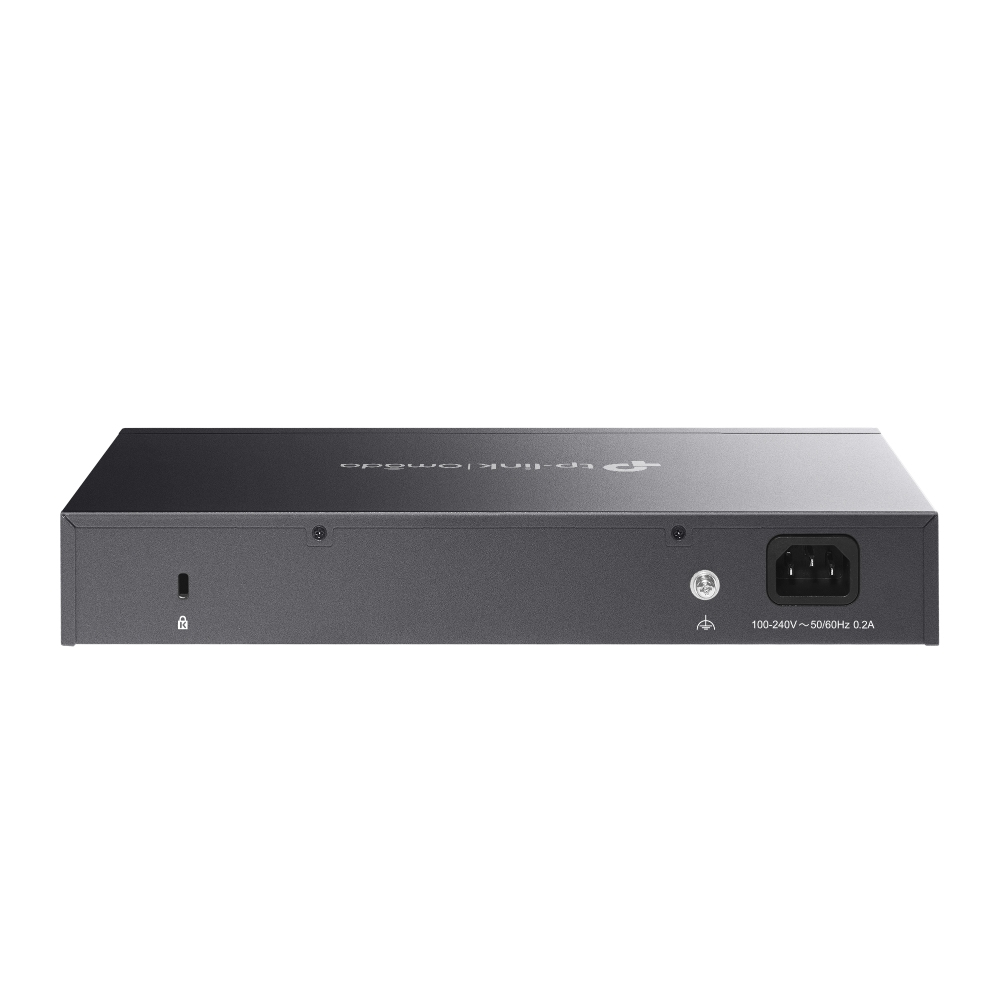
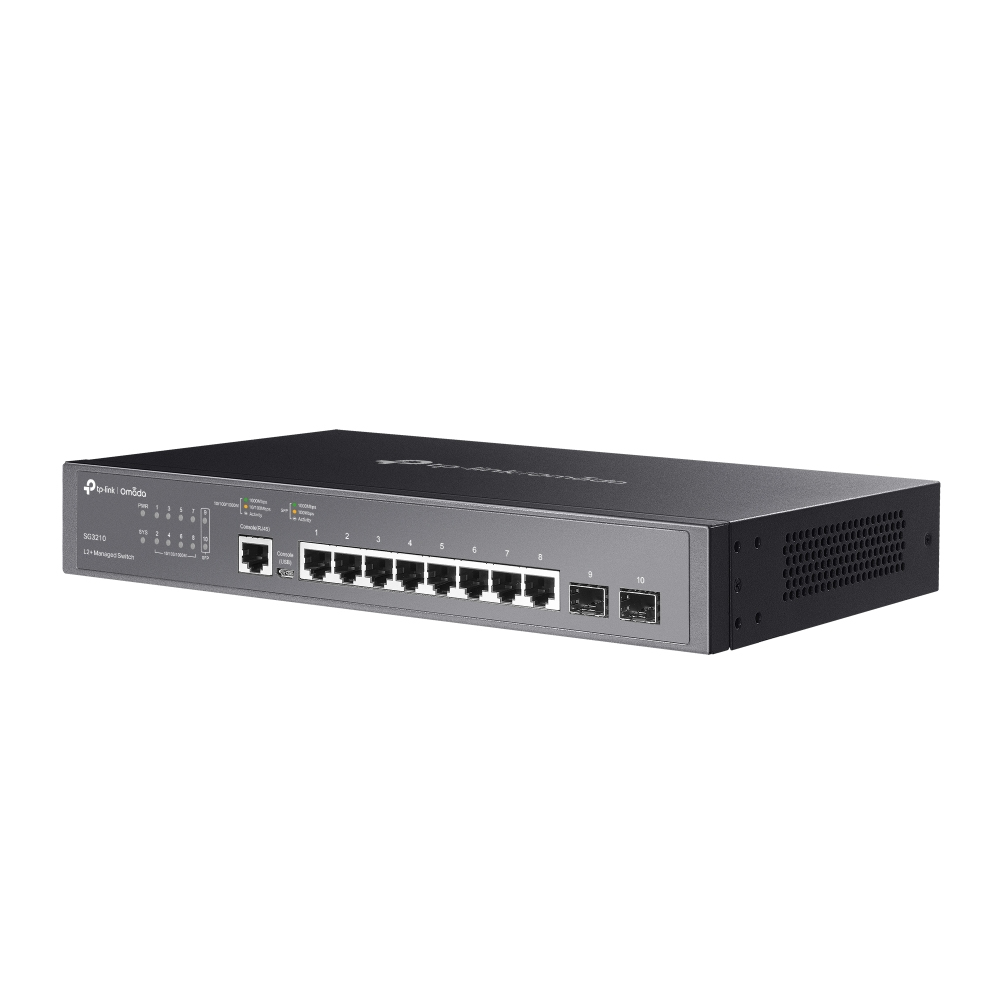
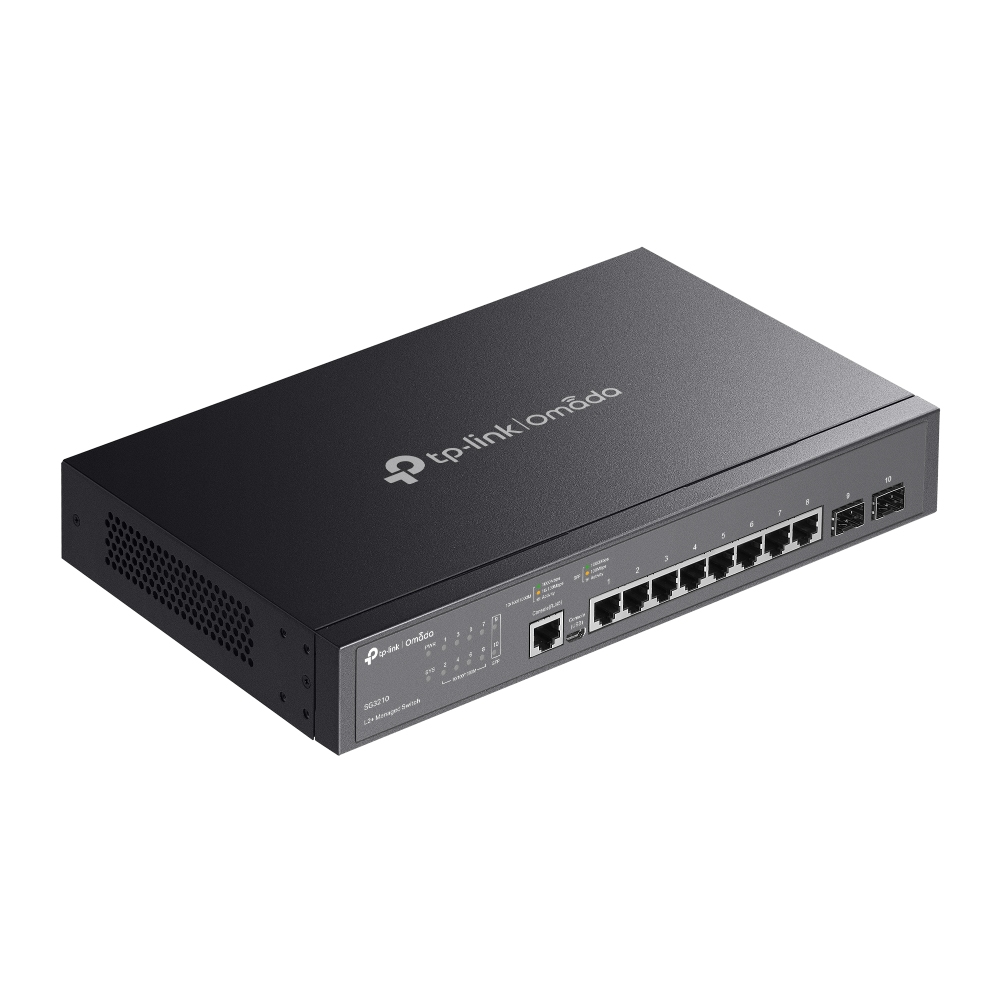
For the money, the TP-Link Omada 8-port L2+ managed switch is a sensible buy if you want “proper” management without paying big-brand prices. The real win here is that it’s not just a dumb gigabit switch—L2+ features plus Omada support means you can actually standardise VLANs, basic segmentation and control across your setup, and then manage it centrally if you’re already leaning on Omada gear. At **£88.43 ex-VAT**, it’s especially good for small offices, training rooms, or branch setups where you don’t need 24/48 ports, but you do need the ability to tidy up networks so things don’t get messy as you add devices.
Who it’s best for: anyone with a small number of endpoints (cameras, access points, printers, phones, PCs) who wants VLAN separation and sane admin—without building a “server rack” worth of networking gear. Should you avoid it? If you’re expecting lots of growth, very high port density, or advanced routing use-cases, an 8-port switch will feel restrictive and you’ll end up replacing it sooner. Also, if you *don’t* care about VLANs/management and just need plug-and-play, you’d probably be better off with a cheaper unmanaged gigabit switch—this is value for managed control, not pure minimal cost.
TP-Link
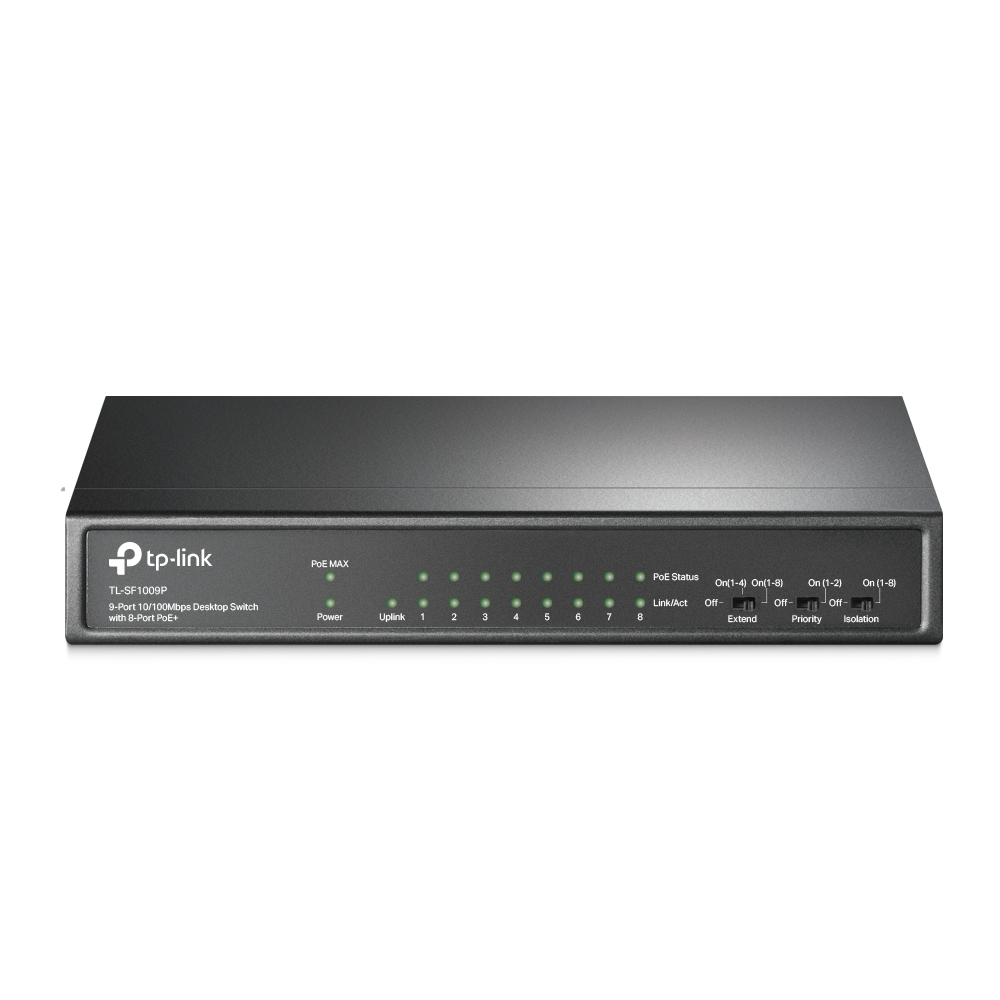
TP-Link TL-SF1009P - Switch - unmanaged - 8 x 10/100 (PoE+) + 1 x 10/100 - desktop - PoE+ (65 W)
TP-Link
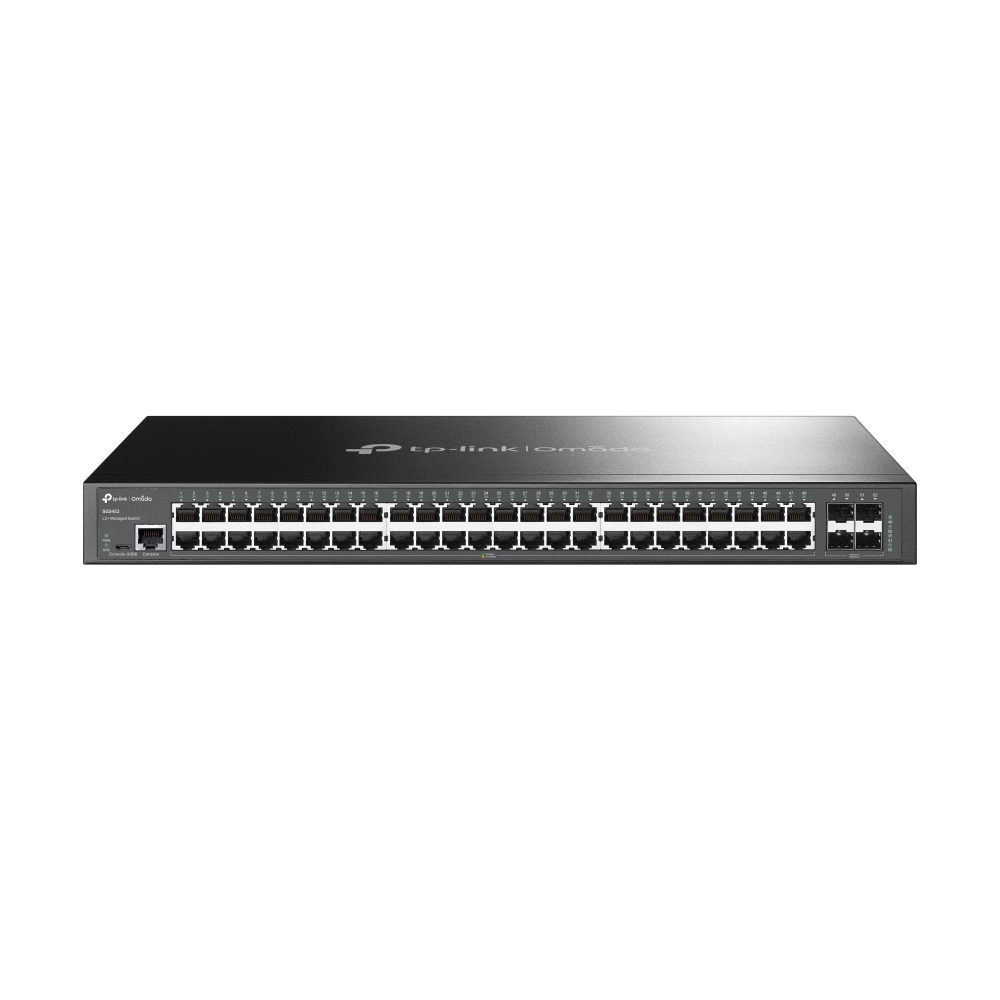
TP-Link JetStream TL-SG3452 V1.6 - Switch - Managed - 48 x 10/100/1000Base-T + 4 x Gigabit SFP - rack-mountable
TP-Link
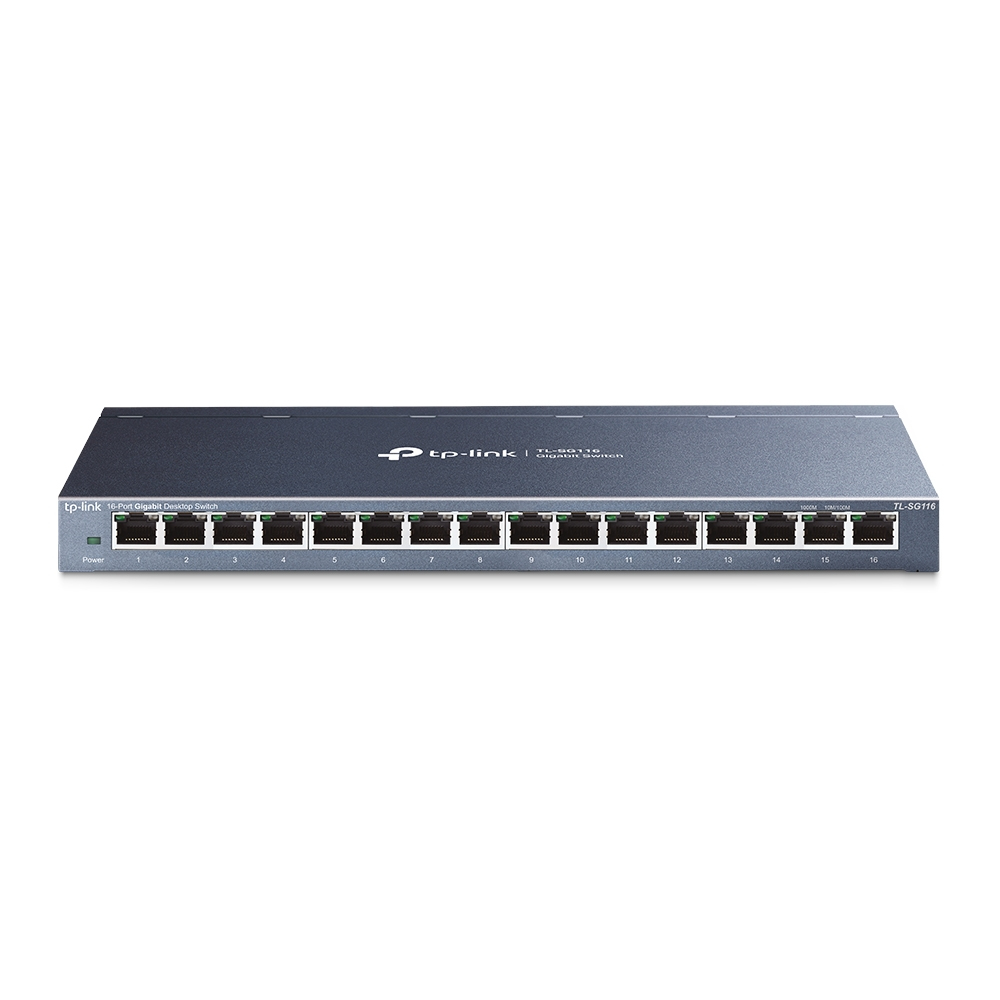
TP-Link TL-SG116 - Switch - 16 x 10/100/1000 - desktop
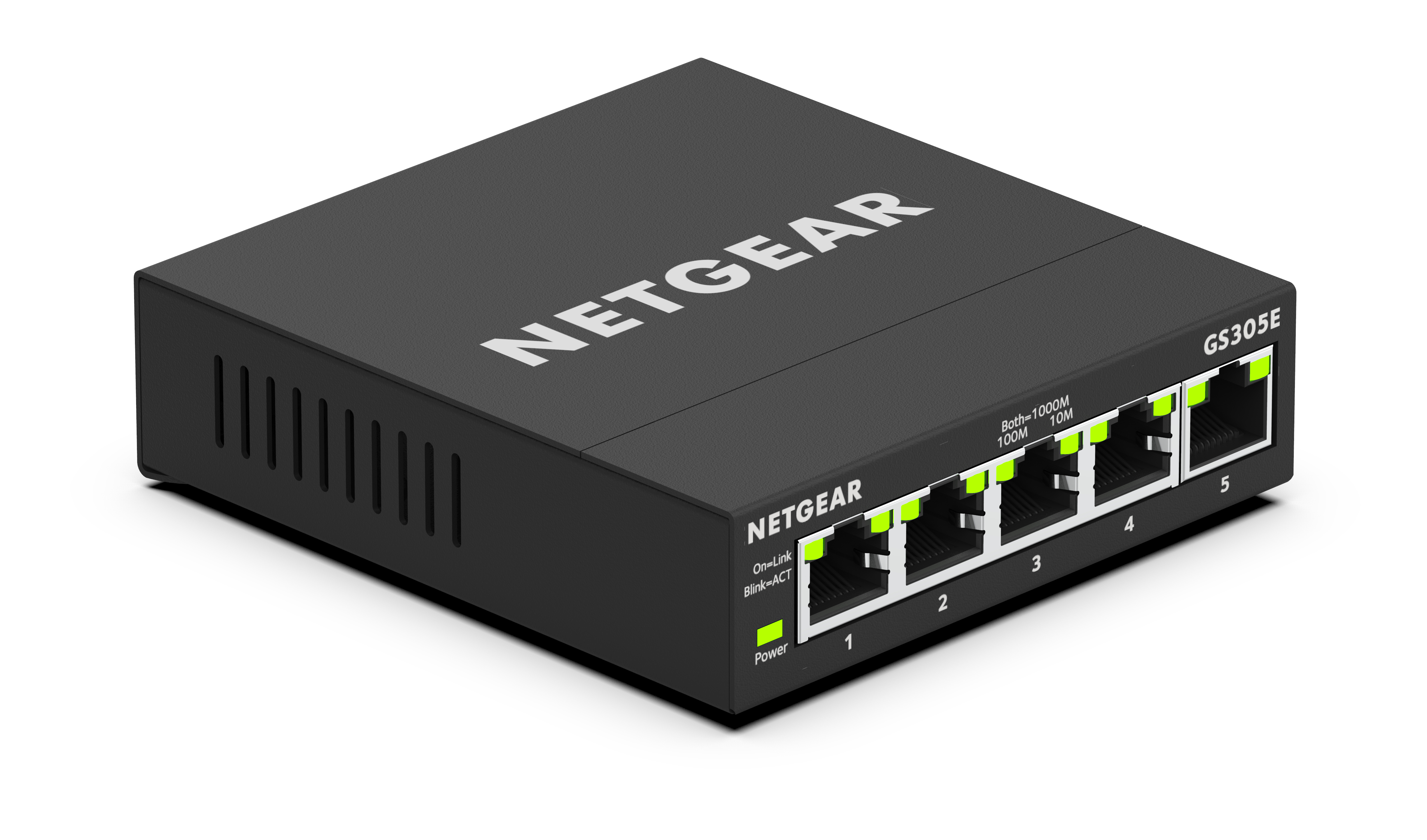
Netgear
NETGEAR Plus GS305E - Switch - smart - 5 x 10/100/1000