- Cloud Email
Microsoft 365 Backup: Why You Need It and What to Use
17 Oct, 2025


£254.81 inc. VAT
AI-generated summary
For £211.88 ex-VAT, the ViewSonic TD1655 is a decent bet if you genuinely need a small touchscreen and don’t want to overpay. A 15.6" touch panel like this is the sort of thing you’d use at a reception desk, in a workshop, for point-of-briefing, or as an interactive second screen for training/customer service. The multi-user angle is also sensible in busy environments where people won’t always be using it “neatly” with one consistent hand position.
That said, I wouldn’t buy it for heavy office work or as a primary monitor. Smaller screens have a habit of feeling cramped fast, and touchscreens add cost and quirks—glare, cleaning requirements, and the fact that many teams will still end up using it like a normal display most of the time. If your staff mostly need productivity (spreadsheets, documentation, spreadsheets that go to war), you’ll usually get better value per pound from a non-touch 15–24" business display. Buy this if your use-case is interactive-by-design; avoid it if it’s just “nice to have” touchscreen functionality.
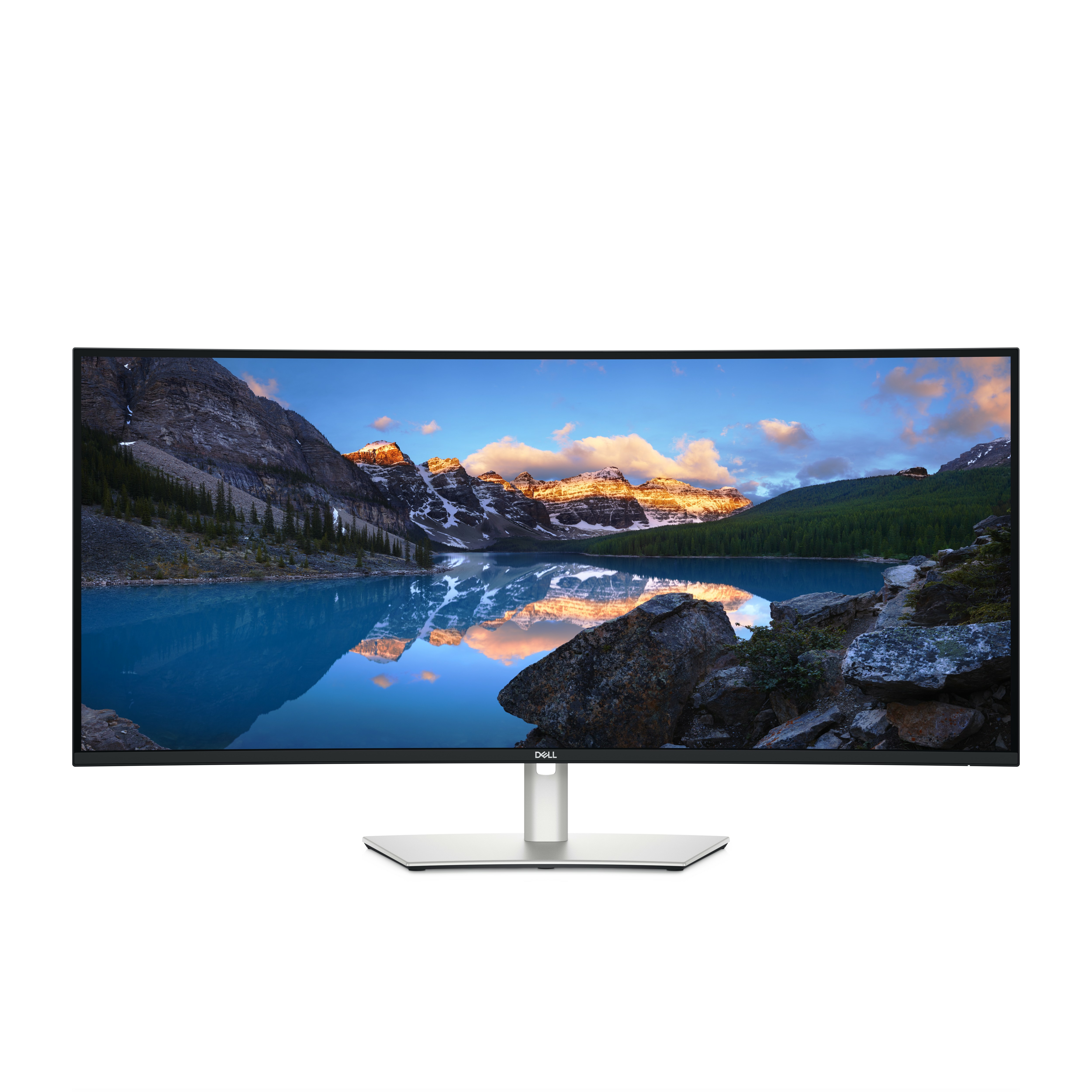
Dell
Dell UltraSharp U4025QW - LED monitor - curved - 40" (39.7" viewable) - 5120 x 2160 5K2K UltraWide @ 120 Hz - IPS - 600 cd/m� - 2000:1 - 5 ms - Thunderbolt 4, HDMI, DisplayPort - speakers - black - with 3 years Advanced Exchange Service

AOC
AOC AGON PRO AG276QZD2 - OLED monitor - gaming - 27" (26.7" viewable) - 2560 x 1440 QHD @ 280 Hz - 250 cd/m� - 15000000:1 - DisplayHDR 400 True Black - 0.03 ms - 2xHDMI, 2xDisplayPort - speakers - dark grey
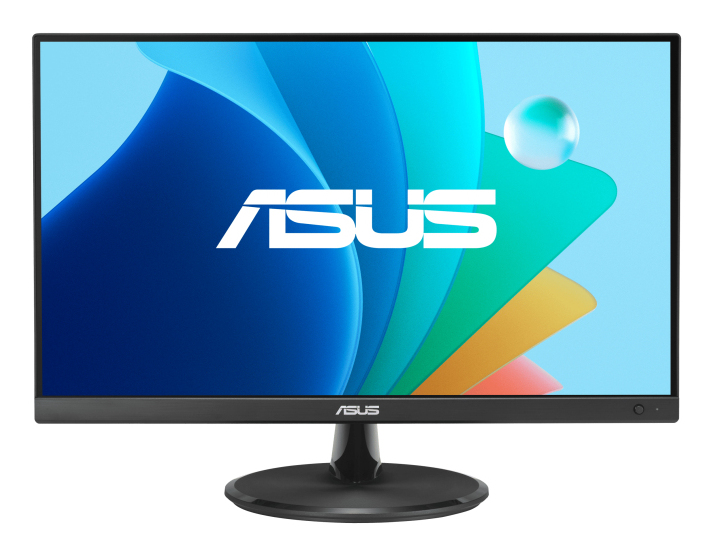
Asus
ASUS VZ279HG Eye Care Gaming Monitor
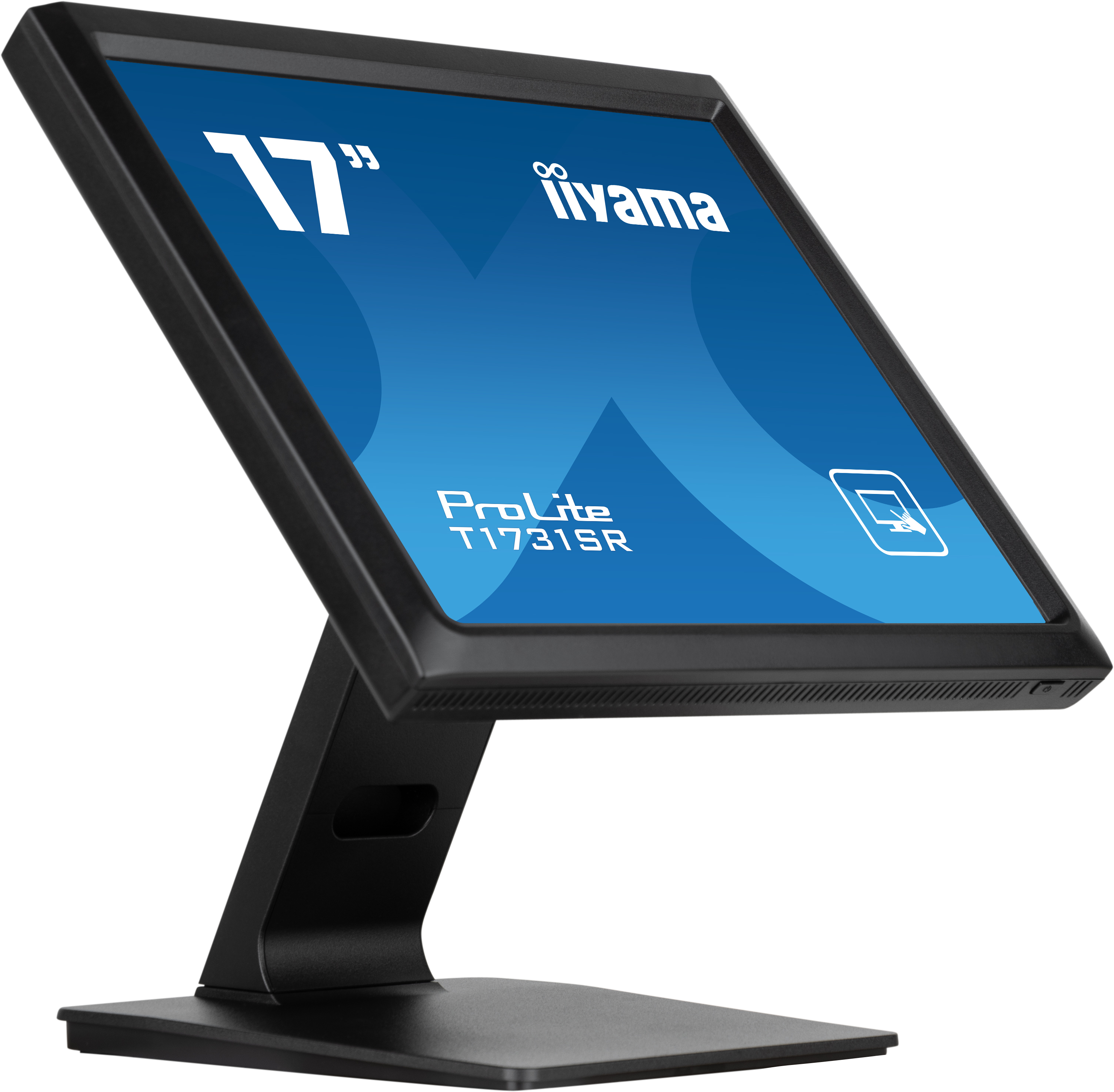
Iiyama
iiyama ProLite T1731SR-B1S - LED monitor - 17" - touchscreen - 1280 x 1024 - TN - 250 cd/m� - 1000:1 - 5 ms - HDMI, VGA, DisplayPort - speakers - black, matte