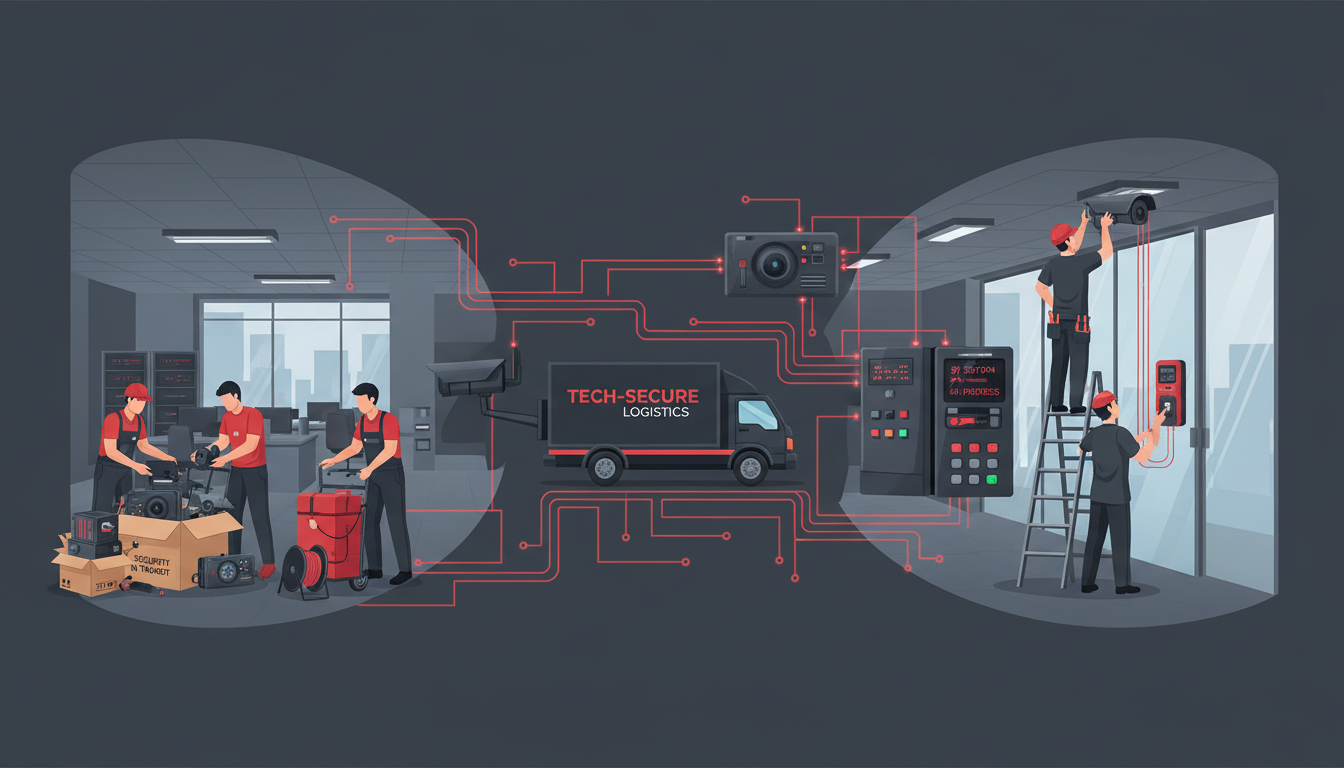
Relocating your business to a new office is a complex undertaking at the best of times. Among the many workstreams that demand attention - IT infrastructure, furniture, telecoms, staff logistics - one area that is frequently overlooked until the last minute is physical security. CCTV cameras, access control systems, intruder alarms, fire detection panels, and intercom systems all need to be carefully planned, decommissioned, transported or replaced, and commissioned in your new premises. Get this wrong and you could find your new office unprotected on day one, your insurance invalidated, or your compliance with health and safety regulations compromised.
This guide provides a comprehensive, step-by-step approach to moving your security systems when relocating offices. Whether you are moving across London, from Manchester to Leeds, or to an entirely new region of the United Kingdom, the principles remain the same. Careful planning, professional installation, and thorough testing are the foundations of a successful security system relocation.
Auditing Your Current Security Systems
The audit phase is arguably the most critical step in the entire relocation process, yet it is the one most frequently rushed or delegated to someone without the requisite technical knowledge. A thorough security audit does more than produce a list of equipment - it reveals the gaps and weaknesses in your current setup that you may have been living with for years. Perhaps your CCTV coverage has blind spots that were never addressed after an office reconfiguration, or your access control database contains credentials for staff members who left the company long ago. An office move is the perfect opportunity to rectify these issues rather than simply transplanting them to your new premises.
It is also worth considering the contractual implications of your existing security arrangements. Many businesses have monitoring contracts, maintenance agreements, or equipment leases tied to their current premises. These contracts may include early termination fees, notice periods, or requirements to return leased equipment in a specific condition. Reviewing these agreements well in advance of your move gives you the time to negotiate with providers, serve notice where required, and avoid unexpected costs during what is already an expensive process.
Before you begin planning the move, you need a complete and accurate picture of your current security infrastructure. This audit serves two purposes: it tells you exactly what you have so nothing is forgotten, and it gives you an opportunity to evaluate whether your current systems are worth relocating or whether upgrading makes more sense.
What to Document
Walk through your current premises with your security provider and document every component. For CCTV, record the number and type of cameras (dome, bullet, PTZ), their resolution, the recording system (NVR or DVR), storage capacity, and retention period. For access control, document every controlled door, the type of readers (card, fob, biometric), the controller hardware, and the management software. For intruder alarms, record every sensor location, the panel type and age, monitoring arrangements, and keypad positions. For fire detection, document every detector, call point, sounder, and the main panel - noting that fire systems are subject to BS 5839 standards and must be designed by a competent person for the new premises.
Most commercial insurance policies require specific security measures to be in place - typically an intruder alarm, CCTV, and secure access. If your security systems are not operational in your new premises from the first day of occupation, your insurance cover may be invalidated. Speak to your insurer before the move to understand their requirements and ensure your security installation timeline aligns with your occupation date. Some insurers will require a certificate of compliance from an NSI or SSAIB-approved installer before they will provide cover.
Move or Replace: Making the Right Decision
One of the first strategic decisions you will face is whether to move your existing security equipment or install new systems in your new premises. Both options have merit, and the right choice depends on several factors.
The decision is not always straightforward, and in many cases a hybrid approach proves most cost-effective. For example, you might choose to move relatively new access control hardware but upgrade your CCTV cameras to higher-resolution models that provide better coverage in your new layout. Similarly, if your intruder alarm panel is a current model but the sensors are ageing, installing new sensors on the existing panel can deliver a near-new system at a fraction of the cost. The key is to evaluate each component individually rather than making a blanket decision for the entire security estate.
Businesses should also consider the opportunity cost of downtime. If your team cannot occupy the new premises securely because security installation is delayed, the cost of that delay - temporary accommodation, lost productivity, potential insurance gaps - can quickly exceed the premium for installing new systems in advance. This is particularly relevant for businesses in regulated sectors such as financial services or healthcare, where security requirements are not merely best practice but a regulatory obligation that must be satisfied before operations can commence.
| Factor | Move Existing Equipment | Install New Systems |
|---|---|---|
| Equipment age | Best if under 3 years old | Recommended if over 5 years old |
| New premises layout | Suitable if similar size and layout | Better if significantly different layout |
| Cost | £2,000 - £8,000 typical for decommission and reinstall | £5,000 - £25,000 depending on scope |
| Downtime risk | Higher - equipment in transit is not protecting either site | Lower - new system installed before you move |
| Technology upgrade | No improvement in capability | Opportunity to upgrade to latest standards |
| Warranty | Existing warranty may be voided by relocation | Full new warranty from day one |
In most cases, if your security equipment is more than five years old, the cost difference between moving and replacing is small enough that upgrading to modern systems is the better investment. Modern IP cameras offer significantly better resolution, cloud-based access control systems are more flexible, and current intruder alarm panels provide smarter integration with your other building systems.
Planning the Security Installation Timeline
The security installation in your new premises should be one of the first workstreams to begin, not one of the last. Ideally, your security systems should be installed, tested, and operational before your team moves in. This requires careful coordination with your landlord, fit-out contractor, and security installer.
Phase 1: Survey and Design (6-8 Weeks Before Move)
Your security provider should conduct a thorough survey of your new premises, assessing entry and exit points, vulnerable areas, high-value zones, reception areas, server rooms, and external perimeters. Based on this survey, they will produce a security design document specifying the exact position of every camera, sensor, reader, and panel. This design should be reviewed against your insurance requirements and any conditions in your lease.
Phase 2: First-Fix Installation (3-4 Weeks Before Move)
During the fit-out phase, your security installer should complete the first-fix installation - running cables through ceiling voids and wall cavities, installing back boxes, and positioning mounting brackets. This work is far easier and cheaper when walls are open and ceilings are accessible. Coordinating with your electrician and IT cabling contractor at this stage prevents conflicts and reduces the risk of costly rework later.
Coordination with the main contractor during first fix is often more challenging than it sounds. Security cabling has specific routing requirements - it should be kept separate from power cables to avoid electromagnetic interference, and cable runs to external cameras need weatherproof conduit and appropriate entry points through the building envelope. Your security installer should attend coordination meetings with the main contractor and other trades to ensure that ceiling voids are not overcrowded, cable pathways are agreed, and adequate power supplies are available at each panel and equipment location. Failing to coordinate at this stage is the single most common cause of security installation delays and budget overruns during office relocations.
Managing the Transition Period
The period between vacating your old premises and being fully operational in the new office is when your business is most vulnerable from a security perspective. During this transition, you effectively need to maintain security at two sites simultaneously - your old office still contains equipment, furniture, and potentially sensitive documents awaiting removal, whilst your new office is receiving deliveries, hosting contractors, and gradually filling with valuable IT equipment and furnishings. A clear transition security plan should detail exactly which systems remain active at each site on each day of the move, who is responsible for arming and disarming alarms, and how access is controlled for the various contractors and removal teams involved.
Phase 3: Second-Fix and Commissioning (1-2 Weeks Before Move)
Once the fit-out is substantially complete, your installer returns to mount cameras, fit access control readers, install alarm sensors, connect everything to the main panels, and commission the entire system. Each component should be individually tested, and the complete system should undergo a full walk-through test simulating real-world scenarios.
One aspect of security installation planning that is frequently underestimated is the integration between different security systems. Modern security is most effective when CCTV, access control, intruder alarms, and fire detection work together as a unified platform rather than as isolated silos. For instance, when an access control reader detects an out-of-hours entry, the nearest CCTV camera can automatically pan to cover that doorway and begin recording at full resolution. When the intruder alarm triggers, all cameras can switch to high-frame-rate recording whilst the access control system locks down specific zones. This level of integration requires careful planning during the design phase and compatible equipment across all systems - it cannot easily be retrofitted after installation.
CCTV: Key Considerations for Your New Office
CCTV is typically the most visible component of your security system and often the most complex to relocate or install. Modern IP-based CCTV systems offer significant advantages over older analogue setups, including higher resolution, remote viewing via smartphone apps, intelligent analytics such as motion detection zones and people counting, and easier integration with access control and alarm systems.
When planning CCTV for your new premises, consider coverage of all entry and exit points, reception and lobby areas, car park and external perimeters, server room and high-value storage areas, and any areas mandated by your insurance policy. Remember that under UK GDPR, you have obligations around CCTV usage including displaying signage, conducting a Data Protection Impact Assessment for extensive monitoring, setting appropriate retention periods, and responding to subject access requests for footage. Your security provider should advise on these requirements as part of the installation.
Camera Positioning and Coverage Strategy
Effective CCTV coverage requires more than simply mounting cameras at regular intervals throughout the building. Each camera should have a defined purpose - whether that is identifying individuals entering through the main reception, providing overview coverage of an open-plan office floor, monitoring the approach to a server room, or capturing registration plates in the car park. The resolution, lens type, and mounting height of each camera should be selected to fulfil that specific purpose. A common mistake is installing high-resolution cameras throughout the building when only certain locations require identification-quality footage, whilst others would be adequately served by lower-resolution overview cameras at a fraction of the cost.
Lighting conditions in your new premises will significantly affect camera performance. Areas with large windows may experience challenging backlighting during certain times of day, car parks and external areas need cameras with excellent low-light performance or integrated infrared illumination, and corridors with mixed lighting require cameras with wide dynamic range capabilities. Your security installer should assess lighting conditions at different times of day during the survey and specify cameras with appropriate performance characteristics for each location.
Access Control: Beyond the Simple Lock and Key
Modern access control goes far beyond traditional locks. Card, fob, mobile credential, and biometric systems provide audit trails showing exactly who entered which area and when - invaluable for both security and compliance purposes. When specifying access control for your new office, consider the number of controlled doors, the credential type that best suits your team, integration with your HR and visitor management systems, and emergency egress requirements under fire safety regulations.
Cloud-based access control platforms such as Paxton, Salto, and Brivo allow you to manage permissions remotely, issue temporary credentials for visitors and contractors, and receive real-time alerts about unusual access patterns. These systems are particularly valuable for businesses with multiple sites or hybrid working patterns where access needs to be managed flexibly.
Visitor Management and Compliance
Access control in your new premises should encompass not just your permanent staff but the full range of people who will need to enter the building - visitors, contractors, delivery drivers, cleaners, and maintenance engineers. A well-designed visitor management system integrates with your access control to provide temporary credentials, track visitor movements, and maintain a comprehensive audit trail. This is particularly important for businesses subject to regulations that require evidence of who was on site at any given time, such as those handling sensitive personal data or operating in sectors covered by the NIS Regulations.
Consider also the integration between access control and your IT systems. Modern platforms can automatically provision and deprovision access credentials based on data from your HR system, ensuring that new starters receive appropriate access from day one and leavers have their credentials revoked immediately upon departure. This kind of automation not only improves security but also reduces the administrative burden on your facilities and IT teams, who would otherwise need to manage credential requests manually for every starter, leaver, and role change.
Modern Cloud-Based Security
- Remote monitoring from any device
- Cloud storage with automatic offsite backup
- AI-powered analytics and alerts
- Integration between CCTV, access, and alarms
- Scalable - add cameras and doors as needed
- Mobile credentials eliminate lost key/card issues
- Automatic firmware updates and patches
Legacy On-Premises Security
- Monitoring only from on-site screens
- Local storage vulnerable to theft or damage
- No intelligent detection or analytics
- Separate systems with no integration
- Fixed capacity - major cost to expand
- Physical keys and cards easily lost or copied
- Manual updates require engineer visits
Intruder Alarms and Monitoring
Your intruder alarm system must be designed specifically for your new premises. Sensor placement depends on the building layout, construction materials, window positions, and the specific risks identified in your security survey. Simply replicating your old system in a different building rarely provides adequate protection.
Alarm monitoring is essential. An unmonitored alarm is little more than a noise-maker - it may deter casual intruders but provides no response if your premises are targeted deliberately. NSI Gold or SSAIB-approved monitoring centres provide 24/7 response, contacting keyholders and police when an alarm is triggered. Many insurers require monitored alarm systems, and some offer premium reductions for NSI or SSAIB-certified installations.
Alarm Zones and System Configuration
The alarm system design for your new premises must account for how the building will actually be used, not just its physical layout. If your business operates shift patterns, you will need the ability to arm some zones whilst leaving others active. If you have a server room that should always be alarmed even during working hours, that area requires its own independent zone. Meeting rooms on the ground floor with external windows may need perimeter protection that can operate independently from the main alarm set. The more thoughtfully the alarm zones are configured during the design phase, the more practical and effective the system will be in daily use - and the less likely your staff are to leave areas unprotected because arming them is inconvenient.
It is also worth considering the false alarm implications of poor system design. UK police response to intruder alarms is governed by strict guidelines, and premises that generate repeated false alarms risk having their police response withdrawn entirely. Common causes of false alarms include sensors positioned near heating vents or air conditioning outlets, PIR detectors that can be triggered by wildlife or moving signage visible through windows, and poorly secured doors that rattle in the wind. A competent installer will identify and mitigate these risks during the design phase, saving you the embarrassment and security risk of a system that cries wolf.
Fire Detection and Safety
Fire detection systems are subject to strict regulations under the Regulatory Reform (Fire Safety) Order 2005 and must comply with BS 5839 standards. Unlike other security systems, fire detection must be designed by a competent fire safety professional based on a fire risk assessment of your specific premises. You cannot simply move a fire system from one building to another - it must be designed from scratch for the new environment.
Your fire risk assessment, which is a legal requirement, should be completed before the fire detection design begins. The assessment will identify the category of system required, the positioning of detectors and call points, the sounder coverage needed, and any integration with other building systems such as emergency lighting, smoke ventilation, and door release mechanisms.
Ongoing Compliance and Maintenance
Fire detection is not a fit-and-forget system. Under UK law, the responsible person for the premises - typically the employer or building manager - has ongoing obligations to maintain the fire detection system in good working order. This includes weekly alarm tests, monthly visual inspections of all detectors and call points, six-monthly servicing by a competent engineer, and annual verification testing. Your security provider should offer a maintenance contract that covers these requirements, and the documentation from each service visit should be retained as evidence of compliance. Failure to maintain fire detection systems is a criminal offence under the Fire Safety Order and can result in significant fines or, in the most serious cases, imprisonment.
When commissioning fire detection for your new premises, ensure that your installer provides comprehensive handover documentation including as-built drawings showing every device location, a commissioning certificate confirming the system meets the design specification, a log book for recording tests and maintenance visits, and clear instructions for your staff on how to operate the panel, acknowledge faults, and respond to activations. This documentation is not optional - it is a regulatory requirement and will be requested by the fire authority if they inspect your premises.
The Move Day Security Checklist
On the day of your move, security should be one of your primary concerns. Your old premises may still contain valuable equipment and data during the transition, while your new premises are in their most vulnerable state with doors propped open, strangers on site, and normal routines suspended.
Ensure your old premises alarm remains active until the building is completely vacated and handed back to the landlord. Arrange for temporary security guards at both sites if your move spans multiple days. Verify that CCTV is recording at your new premises before the first delivery arrives. Confirm that all external doors can be secured at the end of each day during the transition. Test the intruder alarm at your new premises before the first overnight period. Distribute new access credentials to authorised staff only, keeping a clear record of who has been issued what.
After the move is complete, conduct a thorough security walk-through of your new premises. Check every camera angle on screen to confirm coverage. Test every access control reader and verify the audit trail. Trigger the intruder alarm in test mode to confirm all zones are working. Confirm that the monitoring centre has your new address and keyholder details. Update your fire risk assessment and ensure all fire safety equipment is in place.
Planning an Office Move? Secure Your New Premises First
Cloudswitched works with trusted security partners to ensure your CCTV, access control, and alarm systems are planned, installed, and fully operational before your team moves in. From initial survey to final commissioning, we coordinate every aspect of your security infrastructure alongside your IT relocation. Contact us to start planning.
GET IN TOUCH
CloudSwitched
London-based managed IT services provider offering support, cloud solutions and cybersecurity for SMEs.


