- Web Development
How to Create an Effective Contact Page
11 Sep, 2025
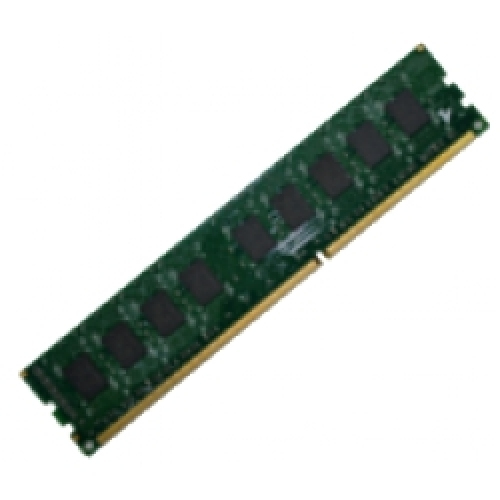
£471.05 inc. VAT
AI-generated summary
For £392.52 ex-VAT, this QNAP 16GB DDR4 ECC RDIMM isn’t something you’d buy “just because” you need more RAM—it’s only sensible if you’re specifically keeping a compatible QNAP server/NAS running and you want the stability that ECC gives you. The good news is QNAP tends to be pretty picky about memory compatibility, so buying the exact QNAP-branded module (and not a random DDR4 kit from a clearance site) is the safest way to avoid weird boot issues or downclocked/ignored RAM. If you’re running heavier workloads on your NAS—lots of containers/VMs, busy iSCSI/LUNs, or aggressive background tasks—ECC is genuinely the kind of boring reliability you want.
That said, this is *expensive per GB* compared with generic RDIMM options, so I wouldn’t recommend it for casual home use or light file serving. If you’re already shopping by price, QNAP’s markup will sting. In short: **buy it only if your QNAP model supports this module and you value compatibility/reliability enough to pay for it**. Otherwise, if you just need capacity and your unit will accept third‑party ECC RDIMMs, you’ll likely get better value elsewhere.
Kingston
Kingston - DDR5 - module - 32 GB - DIMM 288-pin - 4800 MHz / PC5-38400 - CL40 - 1.1 V - registered - ECC

Kingston
Kingston - DDR4 - module - 8 GB - DIMM 288-pin - 3200 MT/s - CL22 - unbuffered - non-ECC
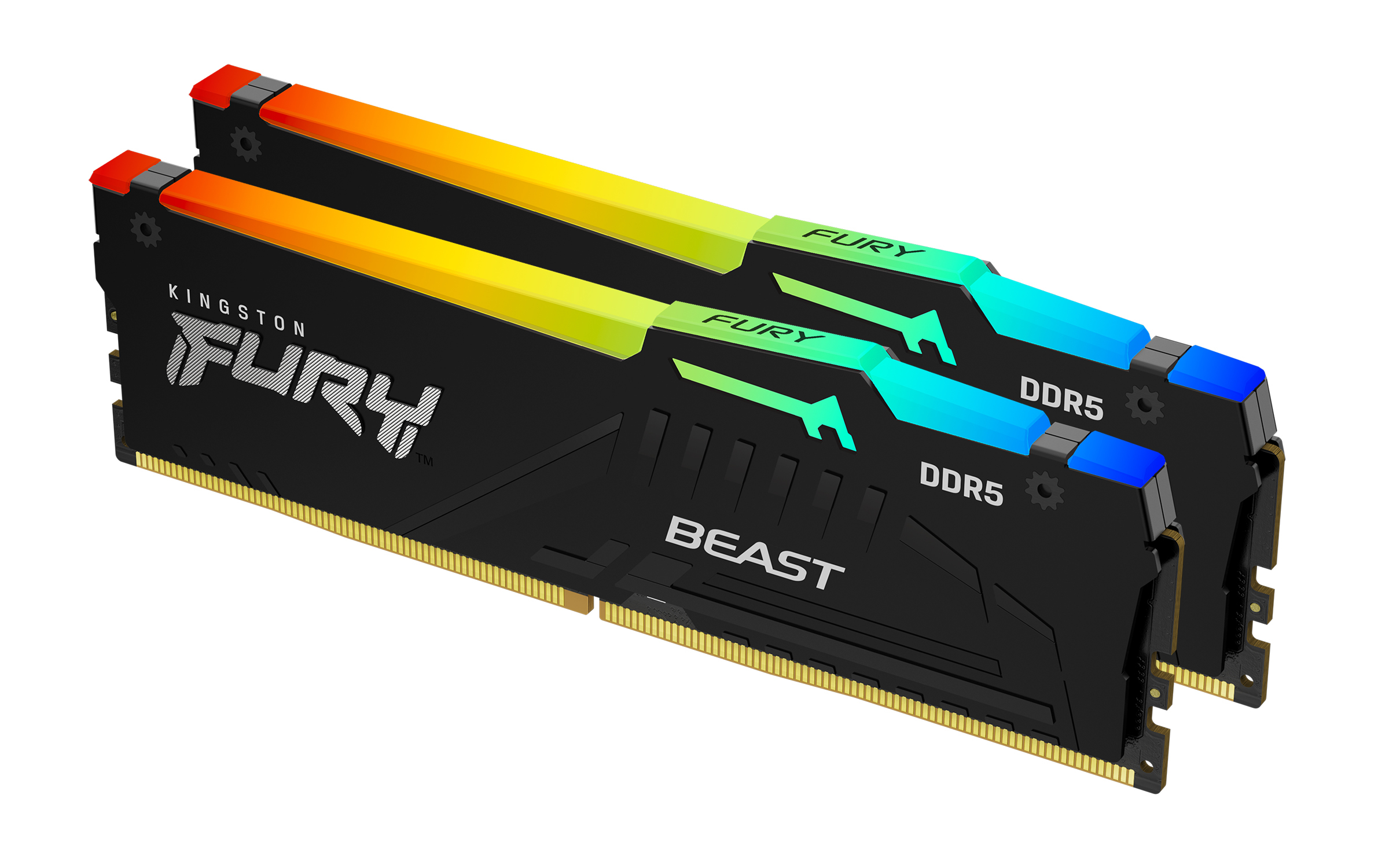
Kingston
Kingston FURY Beast RGB - DDR5 - kit - 64 GB: 2 x 32 GB - DIMM 288-pin - 2800 MHz / PC5-44800 - CL40 - 1.25 V - unbuffered - on-die ECC - black
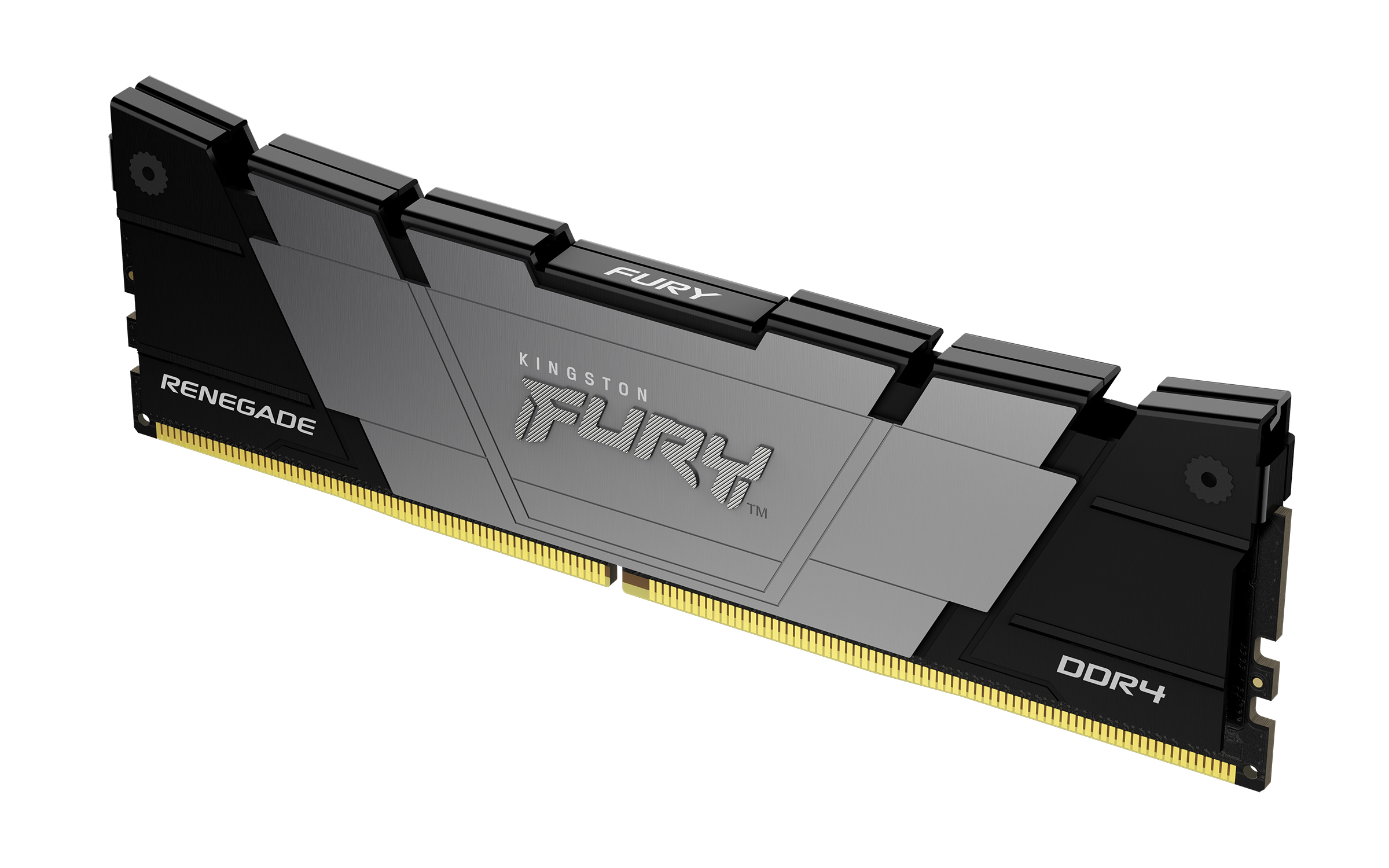
Kingston
Kingston FURY Renegade - DDR4 - module - 32 GB: 1 x 32 GB - DIMM 288-pin - 3600 MT/s / PC4-28800 - CL18 - 1.2 V - unbuffered - non-ECC - black
Powered by industry-leading technologies including SolarWinds, Cloudflare, BitDefender, AWS, Microsoft Azure, and Cisco Meraki to deliver secure, scalable, and reliable IT solutions.


