- Cloud Email
How to Set Up Guest Access in Microsoft Teams
24 Feb, 2026
£364.42 inc. VAT
AI-generated summary
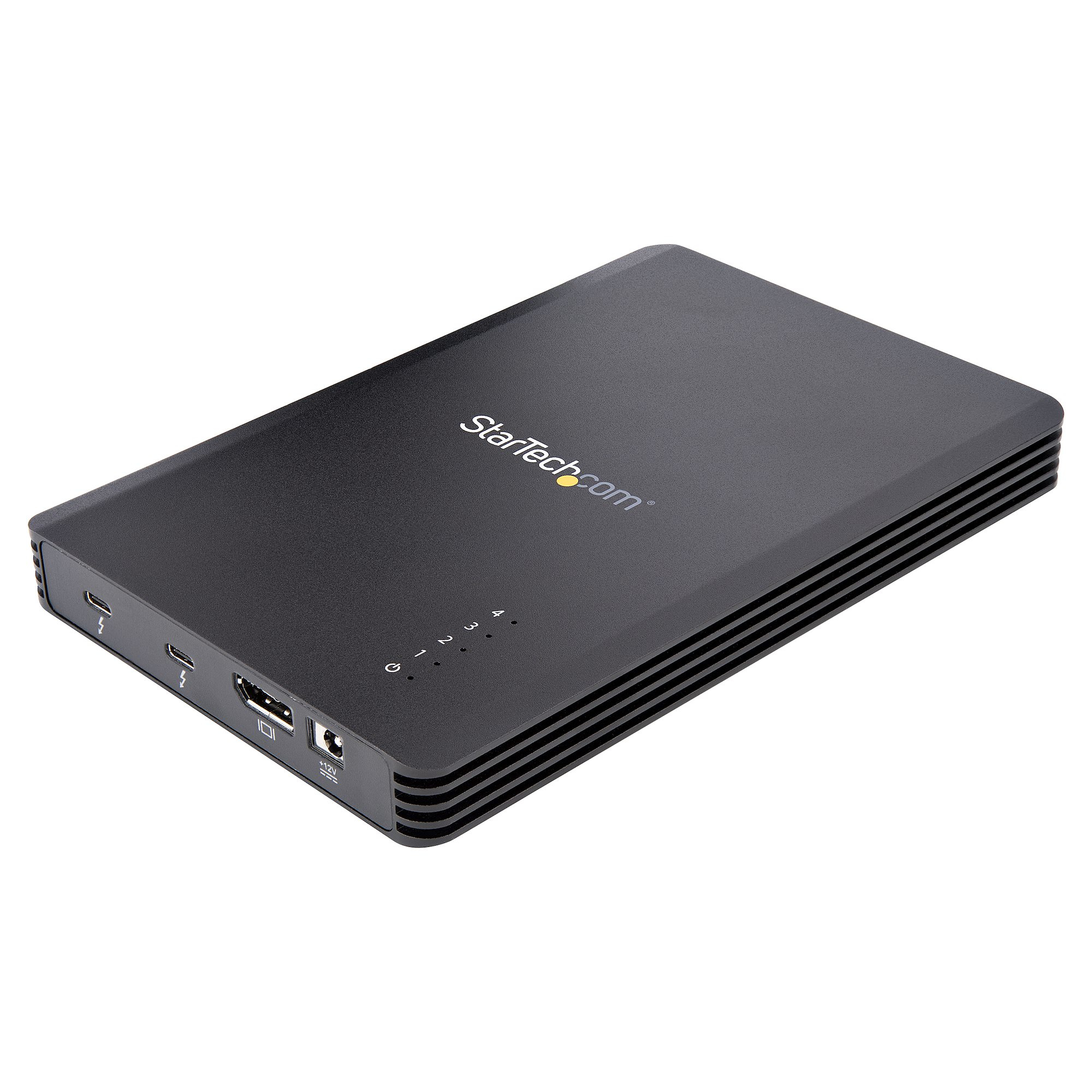
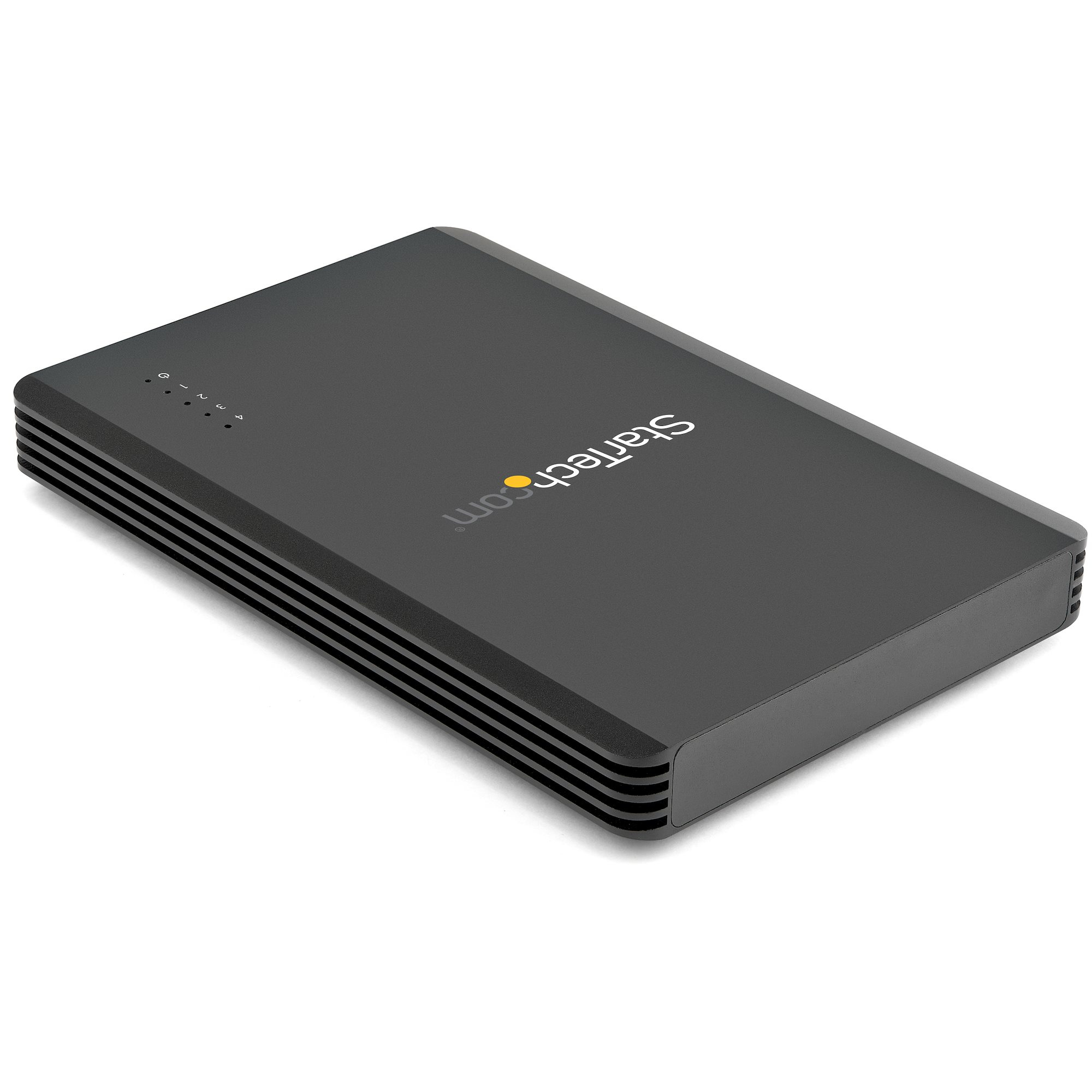
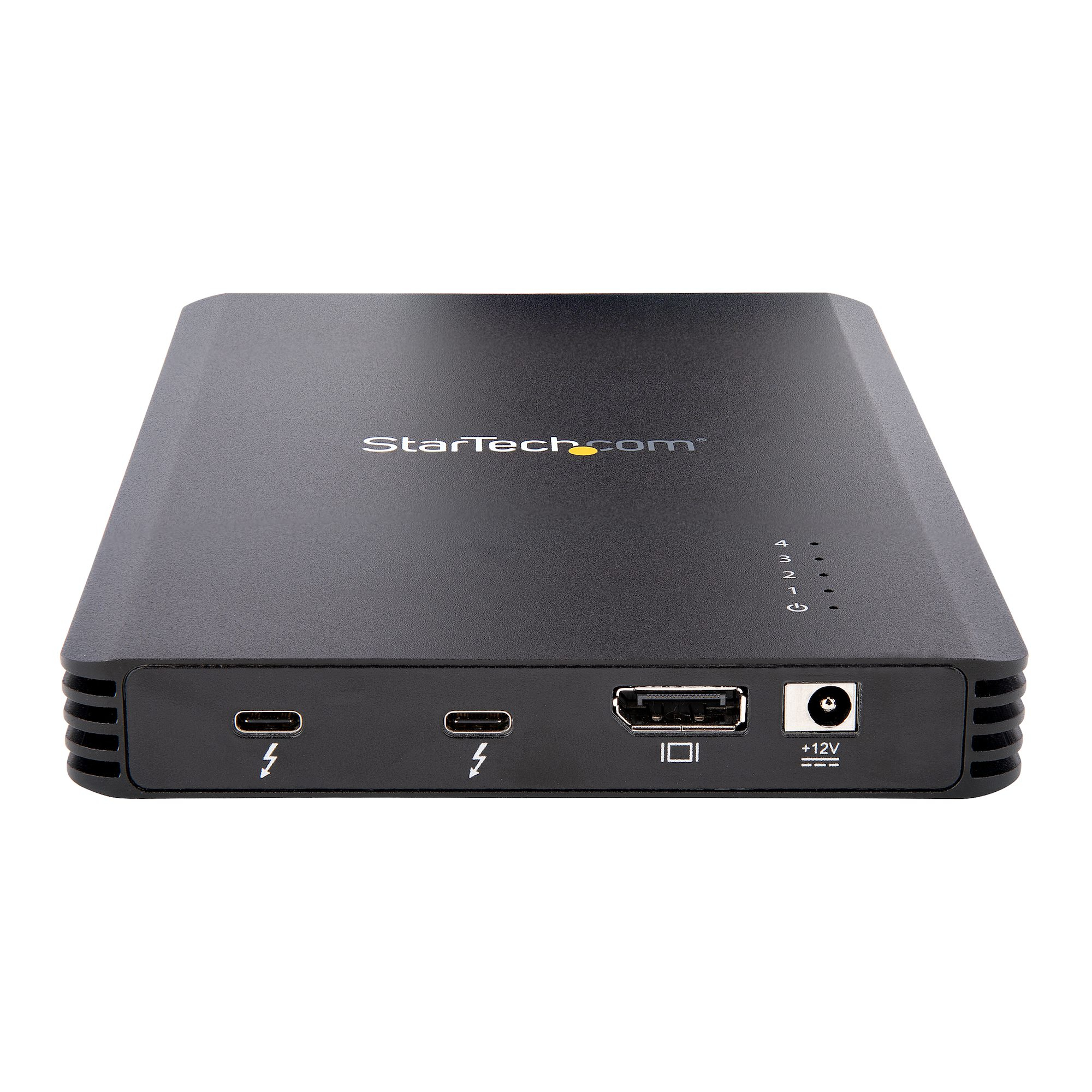
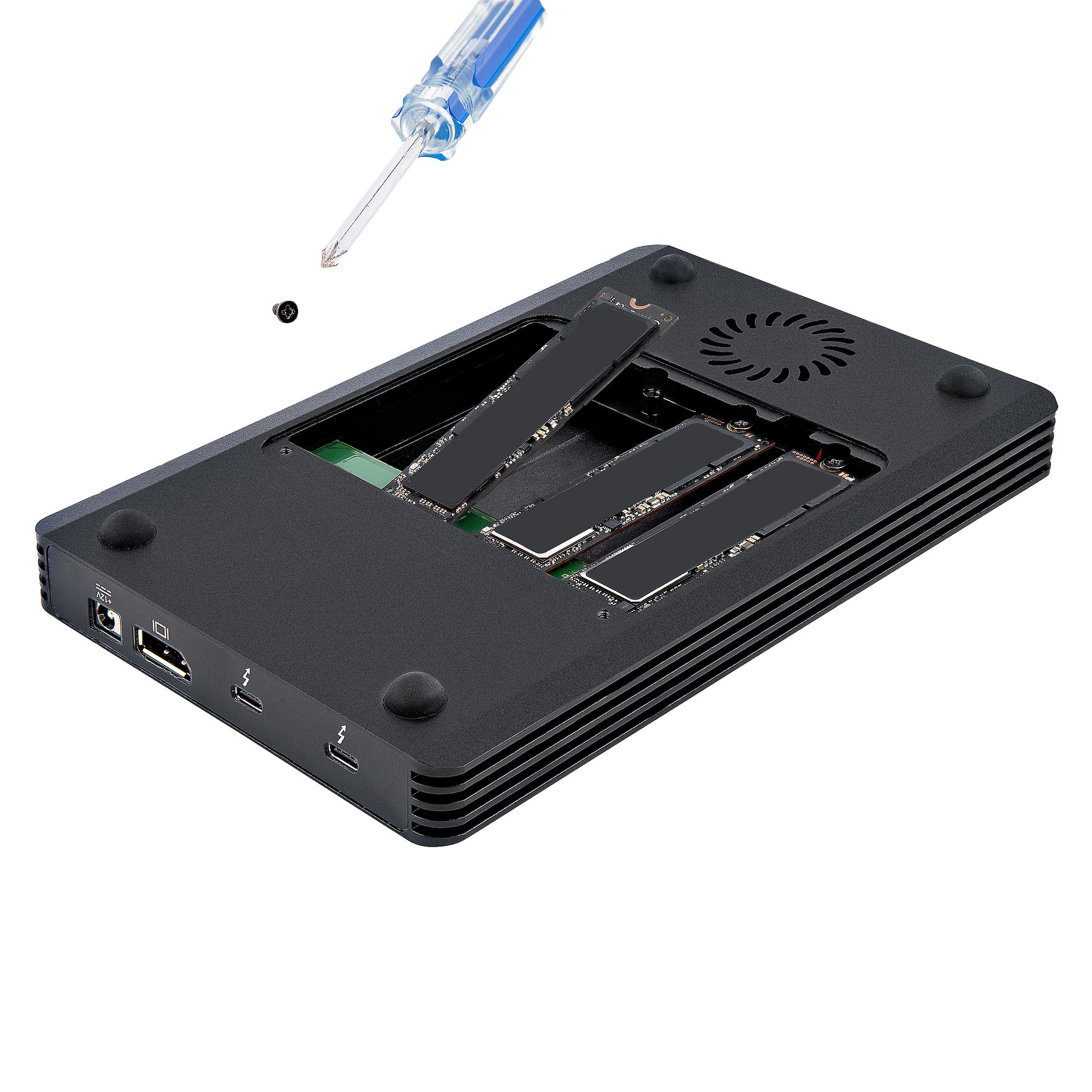
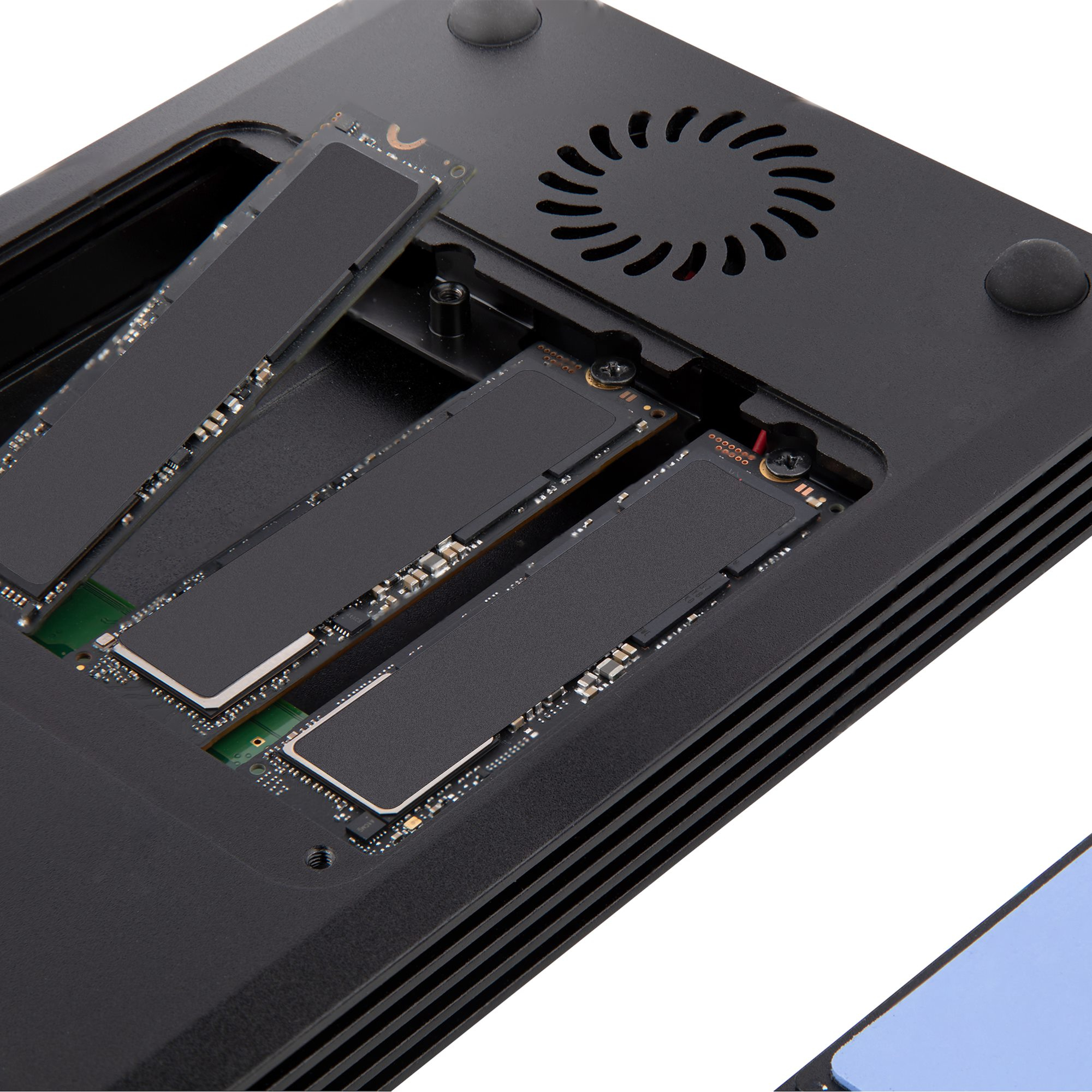
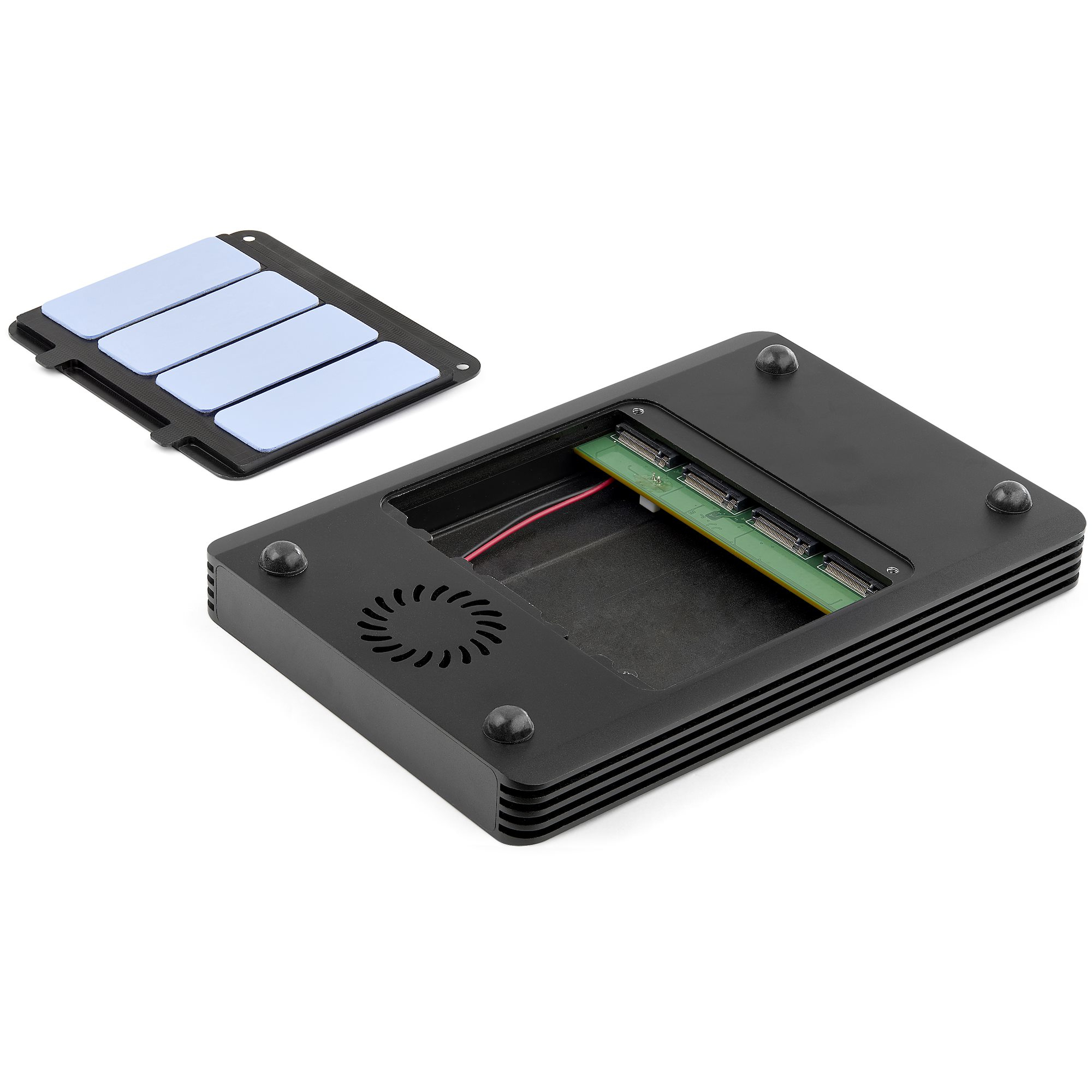
This StarTech 4-bay Thunderbolt 3 NVMe enclosure is one of the more sensible “all-in” options if you’re trying to turn a Mac/PC Thunderbolt setup into a fast, portable-ish shared NVMe array. The big win is workflow: 40Gbps over TB3 keeps transfers snappy, and having four bays means you’re not stuck swapping single drives around. For creators, post-production teams, or an office that needs quick-access high-speed storage without building a whole NAS, it’s genuinely useful—especially when you want reliable, external, desk-friendly storage.
That said, it’s not automatically good value at ~£304 ex-VAT unless you actually need four bays. If you only have one or two NVMe drives (or you’re building storage that needs to run 24/7 with redundancy), you’ll likely spend less and get better overall value with something else—either a smaller enclosure or a proper NAS/RAID approach. Also, the enclosure makes sense only if your host truly has Thunderbolt 3; USB-C “almost the same” isn’t the same experience for performance. If you match the use case—Thunderbolt host, multiple NVMe drives, you care about speed and convenience—then it’s a solid buy. If not, I’d be cautious because the cost is easy to justify in the right scenario, and easy to resent in the wrong one.
STARTECH
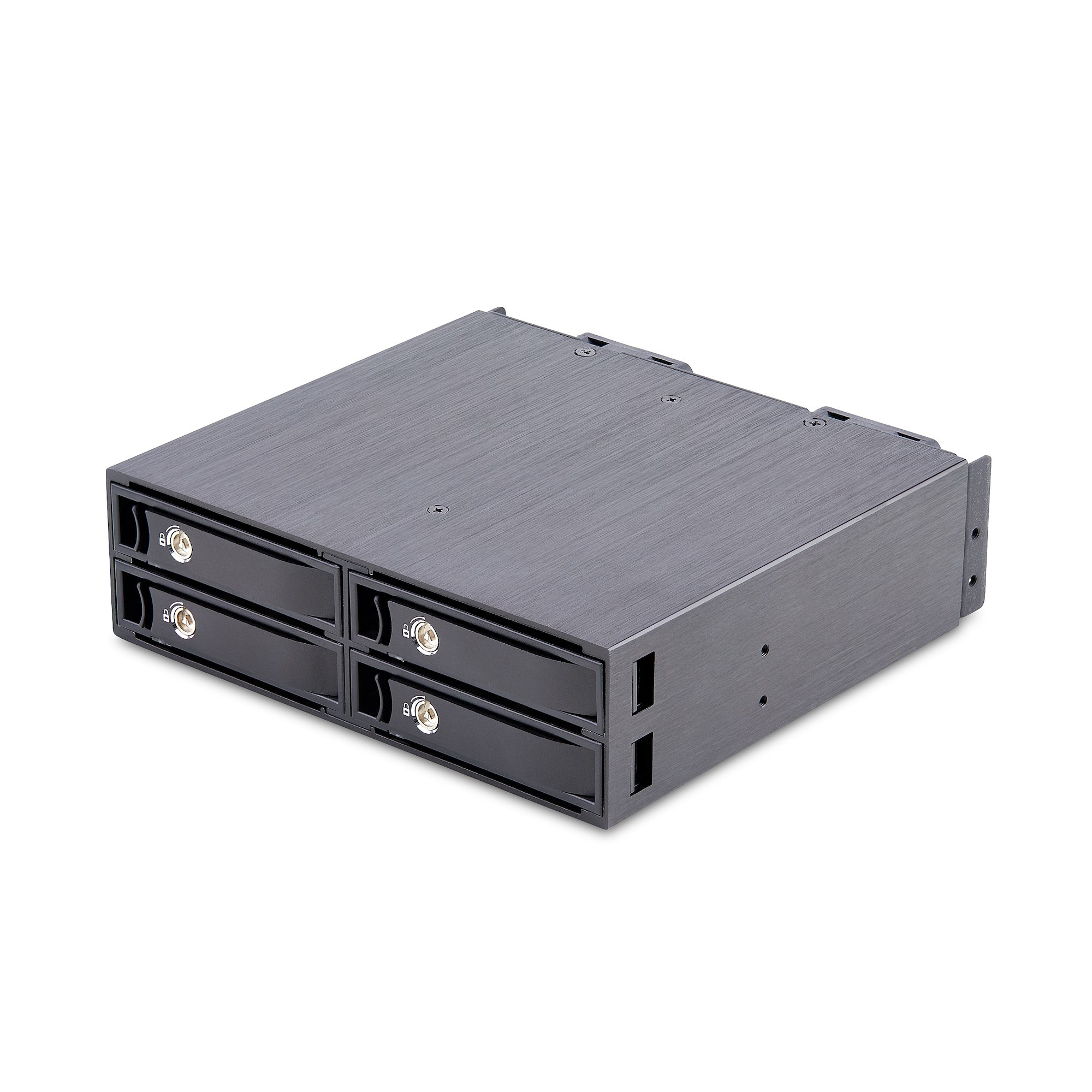
StarTech.com 4-Bay Backplane for U.2 Drives, Fits in a 5.25inch Bay, Quad-Bay Mobile Rack Enclosure for 2.5inch U.2 (SFF-8639) HDD/SSDs, Includes Mini-SAS HD Cables and Removeable Trays - Backplane with Fans (4U2525-SAS-BACKPLANE) - Storage enclosure - 4 bays (PCIe (NVMe) / U.2)

Lenovo
Lenovo 3.5" - Server 12-port SATA/SAS backplane - for ThinkSystem SR550 7X03 (3.5"), 7X04 (3.5"), SR590 7X98 (3.5"), 7X99 (3.5"), SR650 7X05 (3.5"), 7X06 (3.5")
Lenovo
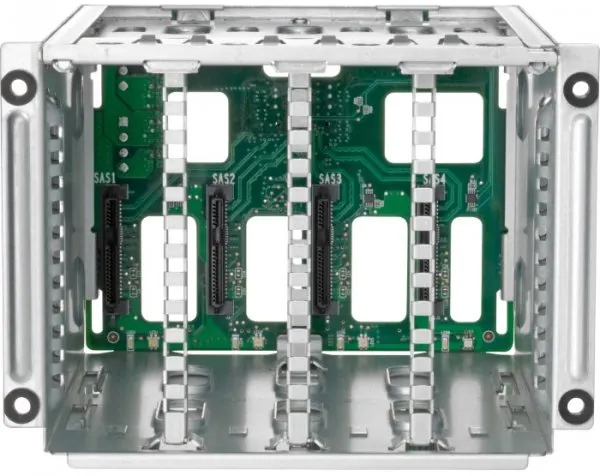
Lenovo ThinkSystem 2.5" SATA/SAS 8-Bay Backplane Kit - Server accessories kit - for ThinkSystem SR655 7Z01 (2.5")

Lenovo
Emulex 16Gb (Gen 6) FC Single-port HBA - Host bus adapter - PCIe 3.0 x8 low profile - 16Gb Fibre Channel - for ThinkSystem SR250, SR530, SR630 V2, SR645, SR650 V2, SR665, SR850 V2, ST250, ST650 V2