- Internet & Connectivity
How to Set Up a 4G/5G Backup Internet Connection for Business
18 Mar, 2026
£73.88 inc. VAT
AI-generated summary
The TP-Link M7350 is one of those “good enough, low hassle” 4G hotspots that make sense when you need internet on the move without getting into the weeds. For £61.61 ex-VAT, it’s strong value if your use case is temporary connectivity: a small office pop-up, occasional site visits, backup internet for a shop, or even just giving a couple of devices internet during a refurb. It’s simple to deploy, and it tends to behave reliably in real-world use as long as your mobile signal is decent.
That said, I wouldn’t make it your primary router for a critical service or a busy office. It’s still a consumer-style mobile hotspot—performance will swing with network congestion and signal strength, and you’ll have less control over business-grade features than you’d expect from an actual SOHO/SMB 4G router. If you need something for heavier daily use, multi-hour stability with better management, or more predictability, you’ll likely be happier paying a bit more for a more robust 4G router.
**Who should buy:** anyone needing quick, low-cost 4G connectivity for a small number of users/devices and short-to-medium duration use. **Who shouldn’t:** teams that require consistent throughput, advanced failover/management, or “set and forget” reliability as a core network connection.
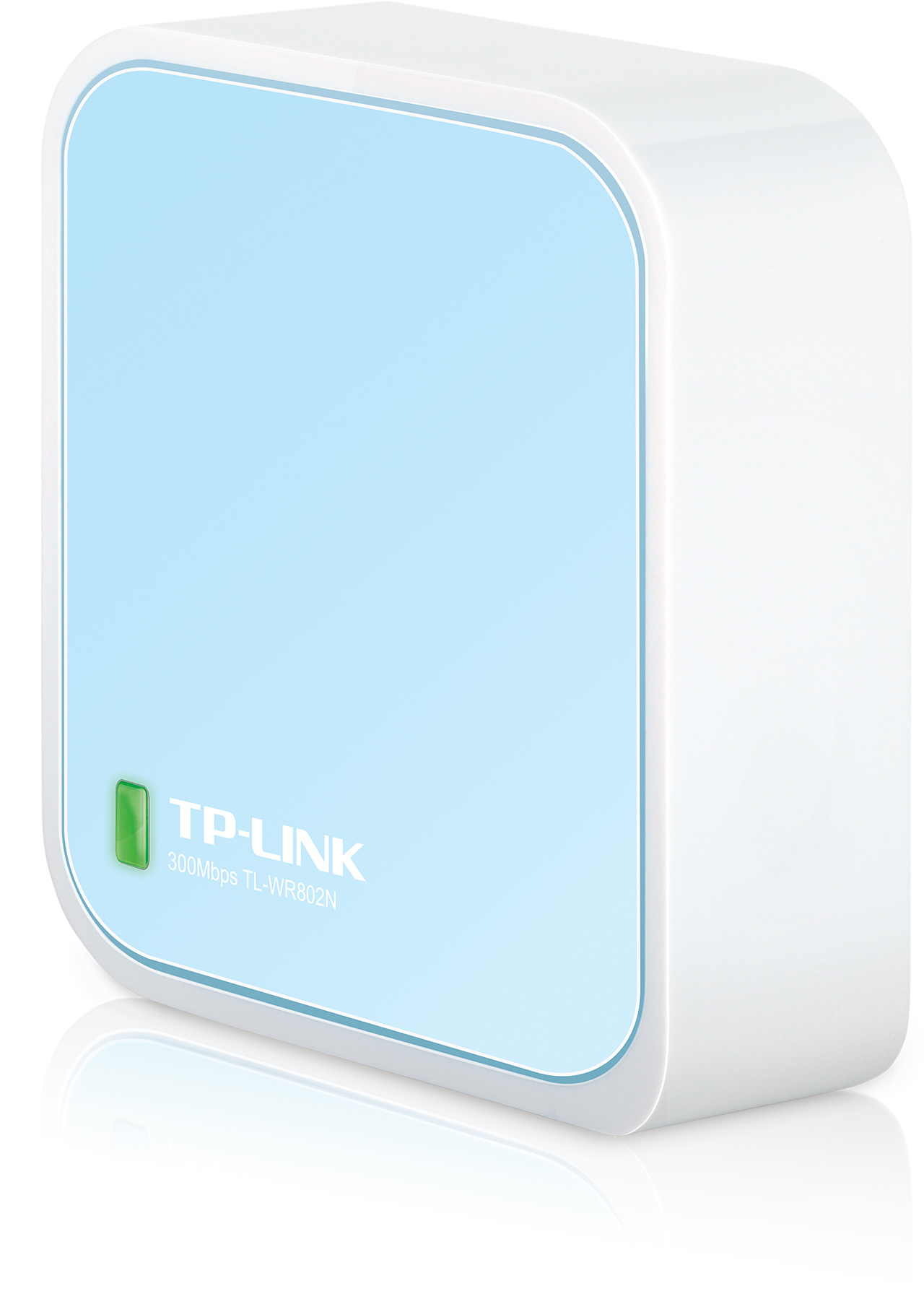
TP-Link
TP-Link TL-WR802N - Wireless router 2.4 GHz
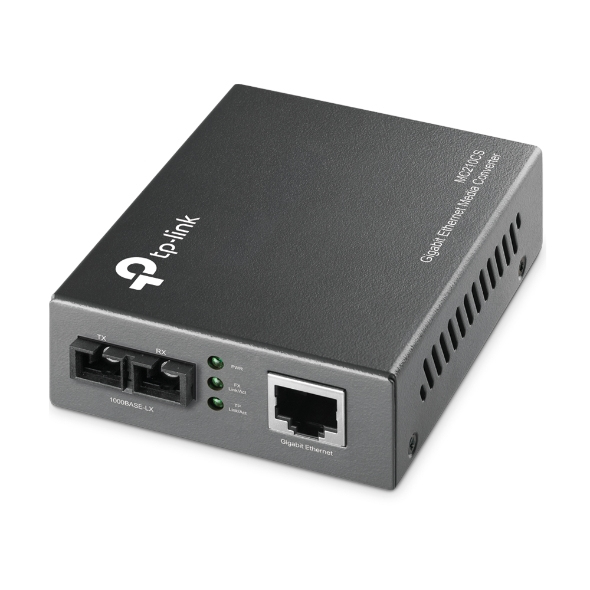
TP-Link
TP-Link MC210CS RJ45 to single-mode SC fiber Converter
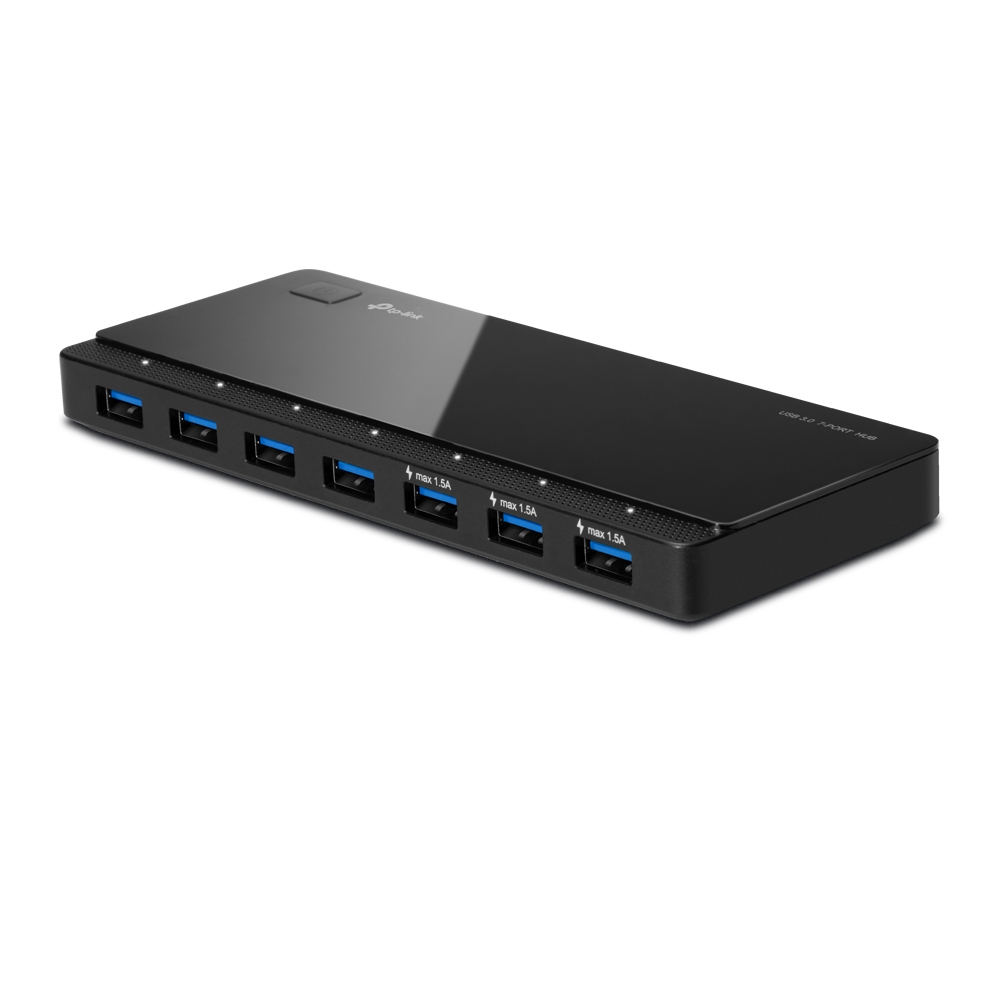
TP-Link
TP-Link USB 3.0 7-Port Hub with UK power adaptor and 1m USB 3.0 cable - UH700
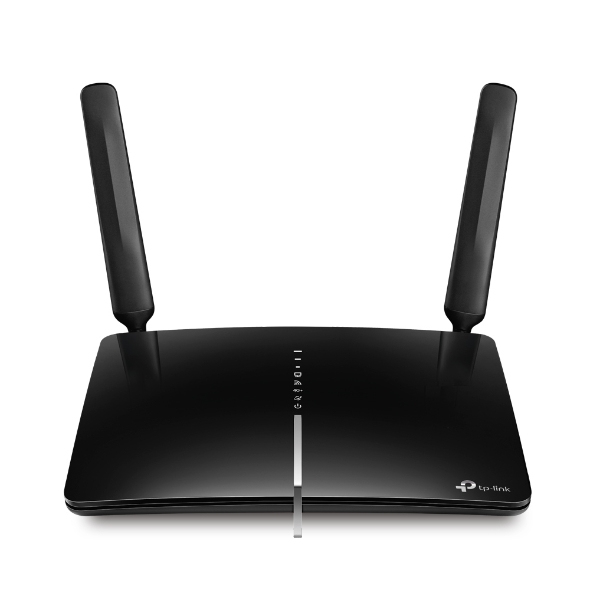
TP-Link
TP-Link Archer MR600 4G+ Cat6 AC1200 Wireless Dual Band - Wireless router - WWAN 3-port switch - 1GbE - Wi-Fi 5 - Dual Band
Powered by industry-leading technologies including SolarWinds, Cloudflare, BitDefender, AWS, Microsoft Azure, and Cisco Meraki to deliver secure, scalable, and reliable IT solutions.


