- Network Admin
Network Switches Explained: Managed vs Unmanaged
11 Mar, 2026
£30.04 inc. VAT
AI-generated summary
At £25 ex-VAT, the D-Link DGS 1100-08V2 is the kind of “just works” little 8‑port Gigabit switch that’s hard to beat for simple office needs. If you’re adding a few wired devices—think a couple of PCs, an office printer, a VoIP phone, or a small NAS—this is the classic budget-fit option. It’s also easy to deploy: no fussing with setup, no managed headaches, and you typically get the immediate benefit of moving from 10/100 to proper Gigabit throughput without paying enterprise money.
Where I’d be cautious is if you actually need real “smart” features beyond basic behavior, or if you’re building something where VLANs, traffic control, or advanced monitoring are part of your requirement. In that case, spending slightly more for a more fully featured smart/managed model can save you from limitations later. For small sites, home offices, spare-switch duty, and light network expansion, it’s a strong buy—particularly at this price. If your network is anything beyond straightforward, confirm what “smart” means for your use case before you commit.
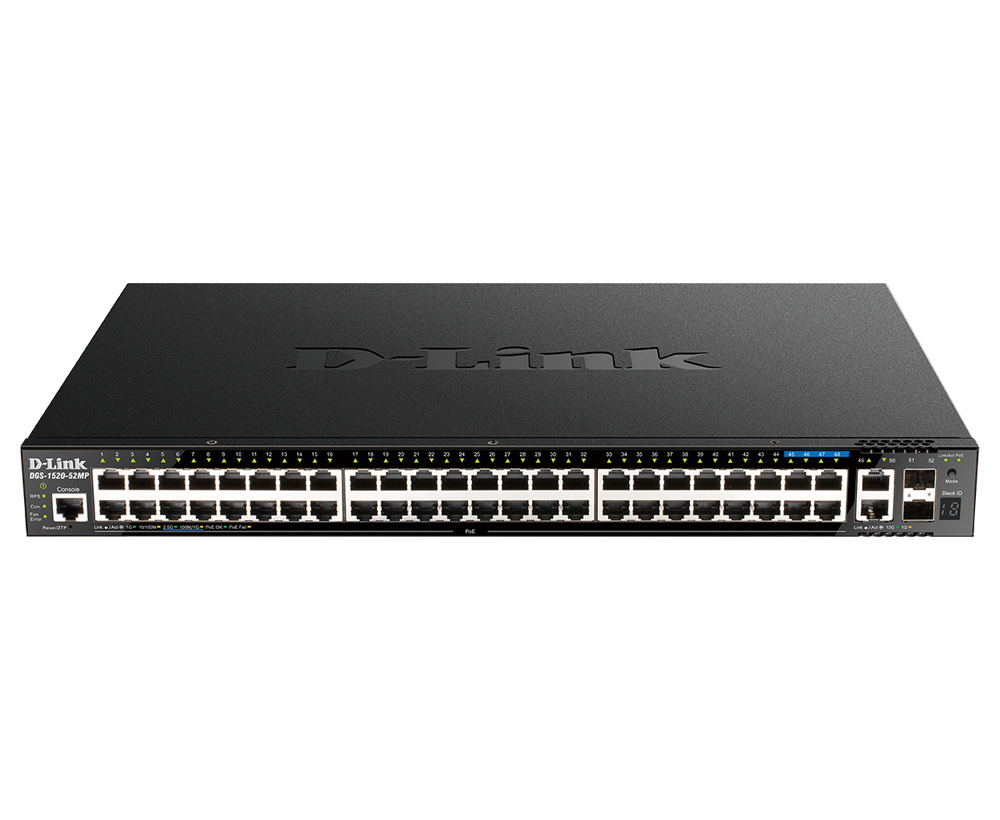
D-Link
D-Link DGS 1520-52MP - Switch - L3 - smart - 44 x 10/100/1000 (PoE+) + 4 x 2.5GBase-T (PoE+) + 2 x 10 Gigabit Ethernet + 2 x 10 Gigabit SFP+ - rack-mountable - PoE+ (370 W)
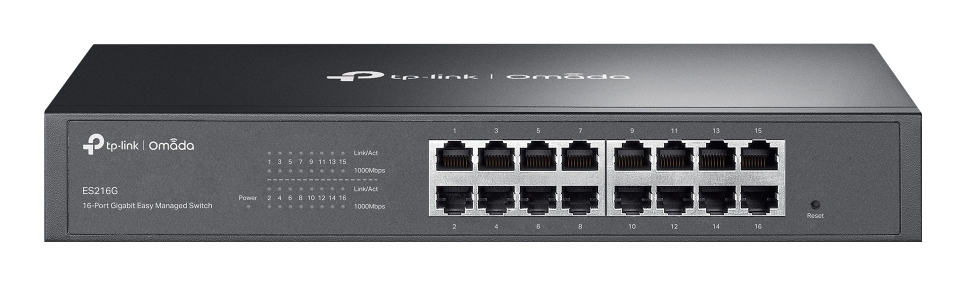
TP-Link
TP-Link Omada ES216G V1.6 - Switch - Managed - 16 x 10/100/1000Base-T - rack-mountable, desktop
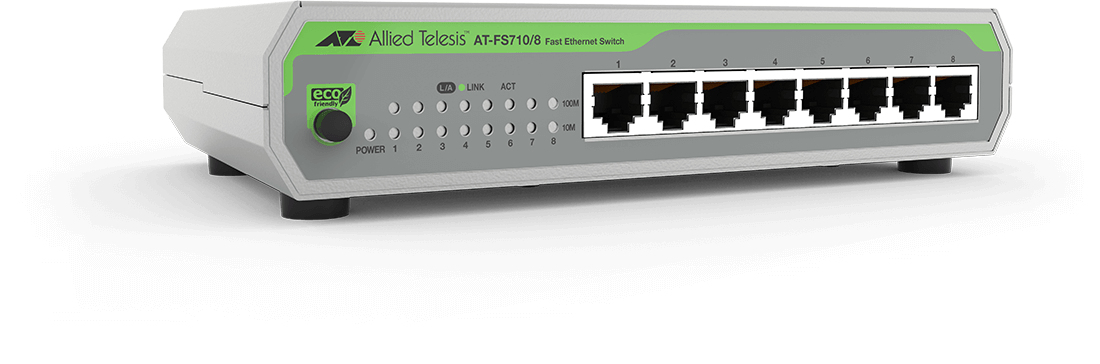
ALLIED TELESIS
Allied Telesis AT FS710/8 - Switch - unmanaged - 8 x 10/100 - desktop, wall-mountable

TP-Link
TP-Link LiteWave LS1008G - Switch - unmanaged - 8 x 10/100/1000 - desktop, wall-mountable